
Insight ADF-B19 Blood Pressure Monitor User Manual
Content
insight ADF-B19 Blood Pressure Monitor Review and User Manual
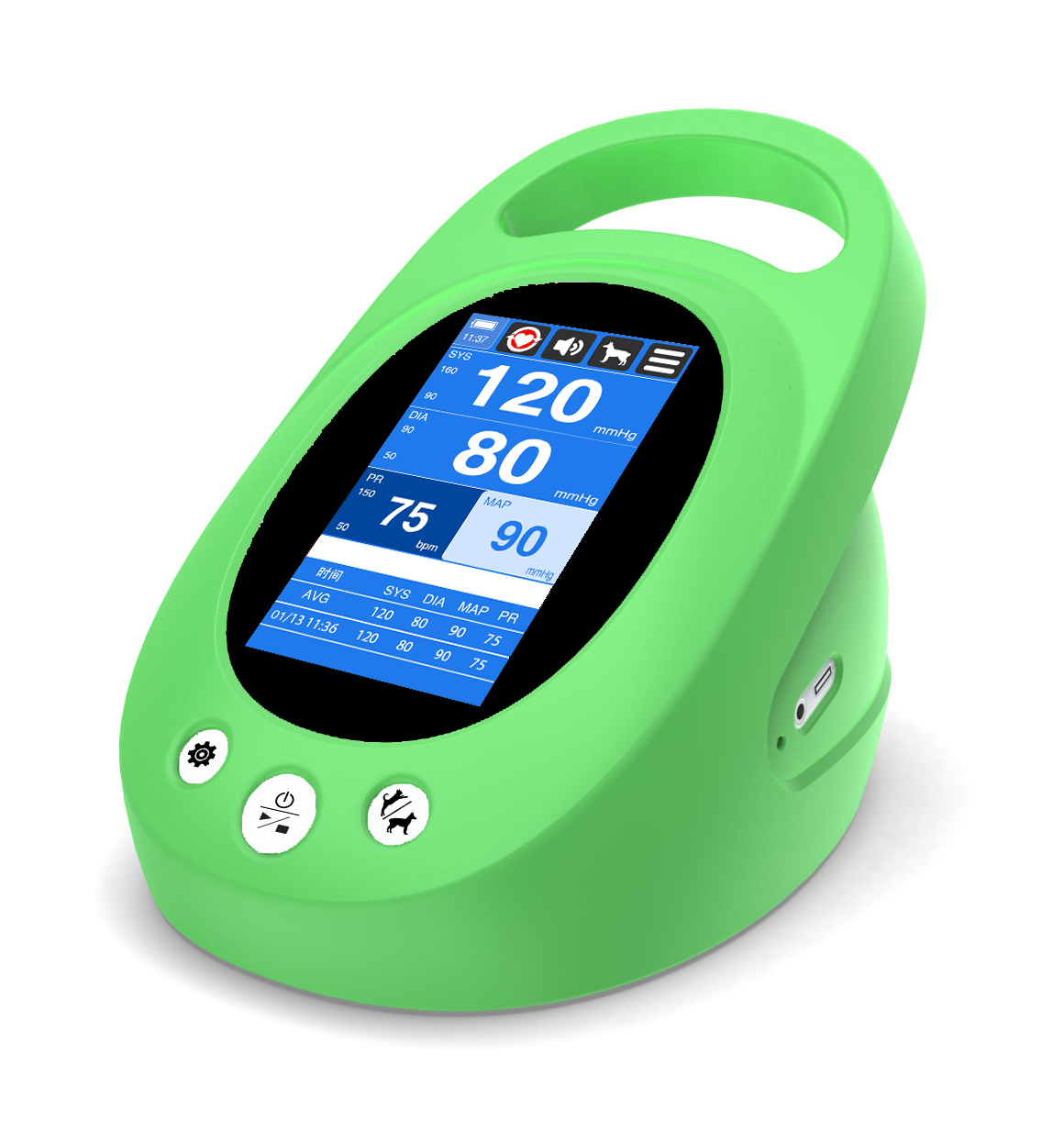
Introduction
The insight ADF-B19 Blood Pressure Monitor is a wireless arm-type digital blood pressure monitor designed for convenient at-home health tracking. Built around one-touch operation, it automatically inflates the cuff, measures systolic and diastolic pressure, and displays pulse rate in a clear, easy-to-read format. It also includes an irregular heartbeat detector, making it especially useful for users who want more than a basic blood pressure reading.
This model is well suited for adults managing hypertension, older users who need simple daily monitoring, and families who want to track multiple health profiles. With support for up to 4 users and 396 total memory records, the insight ADF-B19 Blood Pressure Monitor is practical for shared households and long-term trend tracking. Its Bluetooth-enabled app connectivity also makes it appealing for users who want to store readings digitally and share reports with a doctor.
Typical pricing for the insight ADF-B19 Blood Pressure Monitor varies by seller, condition, and regional availability, but it generally falls in the mid-range home healthcare category. Availability is strongest through online marketplaces, medical supply retailers, and electronics or health-product distributors. Buyers should expect a value-focused device that balances smart features, memory storage, and everyday ease of use.
How to Use the insight ADF-B19 Blood Pressure Monitor
Quick start guide for accurate home blood pressure readings
- Insert 4 AA batteries or connect the optional AC/DC adaptor.
- Wrap the cuff around the upper arm, leaving enough room for a snug but comfortable fit.
- Sit upright with your feet flat on the floor and your arm supported at heart level.
- Press the one-touch start button to begin inflation.
- Wait for the cuff to deflate automatically and record the reading.
- Review systolic pressure, diastolic pressure, and pulse rate on the display.
- Use the memory function or app sync to store and compare results over time.
For best results, avoid talking, moving, or measuring immediately after exercise, caffeine, or smoking. Consistent timing, such as morning and evening readings, helps create more reliable trends.
Troubleshooting
Common problems with the insight ADF-B19 Blood Pressure Monitor are usually easy to fix. If the monitor does not power on, check battery placement, battery charge, or the adaptor connection. If the cuff does not inflate properly, make sure it is wrapped correctly and that the air tube is not kinked or loose. Inaccurate readings often happen when the user moves during measurement, sits incorrectly, or uses the cuff on an arm size outside the recommended 22-34 cm range.
If an error appears, the issue may be related to motion, cuff positioning, low battery power, or a weak connection to the app. Restart the unit, reapply the cuff, and repeat the measurement after resting quietly for five minutes. To prevent recurring problems, store the device in a dry place, replace batteries promptly, and clean the cuff gently without soaking it.
Warranty coverage is commonly listed as 1 year for the main unit, while accessories may have separate coverage terms. For support, users can contact Andesfit customer service at (852) 3595 1880 or email services@andesfit.com for product help, parts, or service inquiries.
Pros and Cons of the insight ADF-B19 Blood Pressure Monitor
What works well
- One-touch operation makes it beginner-friendly and fast to use.
- Irregular heartbeat detection adds useful health awareness during routine monitoring.
- 4-user memory with 396 total records is ideal for families or shared households.
- Bluetooth app support helps users track trends and export reports for doctors.
- Automatic inflation and deflation reduce effort compared with manual-style monitors.
Where it falls short
- It requires correct cuff placement to avoid inconsistent readings.
- The 22-34 cm cuff size may not fit all arm sizes without a special cuff.
- Battery-powered operation is convenient, but frequent users may need regular replacements.
- Some users may prefer larger displays or more advanced clinical-grade features.
Overall, the insight ADF-B19 Blood Pressure Monitor offers solid value for money for home health tracking. Compared with basic non-Bluetooth arm monitors, it stands out for its memory capacity and app integration. Compared with premium upper-arm monitors from larger brands, it may be less refined, but it remains a practical, feature-rich option for everyday use.
Customer Reviews
Customer feedback for the insight ADF-B19 Blood Pressure Monitor is generally positive, especially among users who want a simple automatic blood pressure monitor with smart features. Many buyers praise the easy one-button operation, memory tracking, and app-based record keeping. A common sentiment is that it feels convenient for daily monitoring at home.
Typical ratings fall around 4 out of 5 stars, with users noting strong value and ease of use. One satisfied customer said, “It is simple to set up, and the readings are easy to save and review.” Another reviewer mentioned, “The app helps me share blood pressure trends with my doctor.”
Common complaints usually focus on cuff fit, the need for correct positioning, and occasional syncing issues with smartphones. It is a good purchase for users who want an affordable, connected blood pressure monitor with family memory support, but buyers who need a larger cuff or advanced medical reporting may want to compare alternatives before ordering.
Faqs
How do I set up the insight ADF-B19 Blood Pressure Monitor for the first time?
Why is my insight ADF-B19 Blood Pressure Monitor showing inconsistent readings?
What should I do if the insight ADF-B19 Blood Pressure Monitor displays an error or will not start?
How tight should the cuff be on the insight ADF-B19 Blood Pressure Monitor for accurate results?
Can the insight ADF-B19 Blood Pressure Monitor be used by multiple family members?
What features should I use on the insight ADF-B19 Blood Pressure Monitor to track blood pressure trends?
How do I clean and maintain the insight ADF-B19 Blood Pressure Monitor safely?
What is the best way to get accurate readings from the insight ADF-B19 Blood Pressure Monitor at home?
Leave a Comment