
How to Use: Lightspeed Mobile PA Portable Audio System User Manual
Content
lightspeed Mobile PA Portable Audio System: Complete Product Manual
Introduction
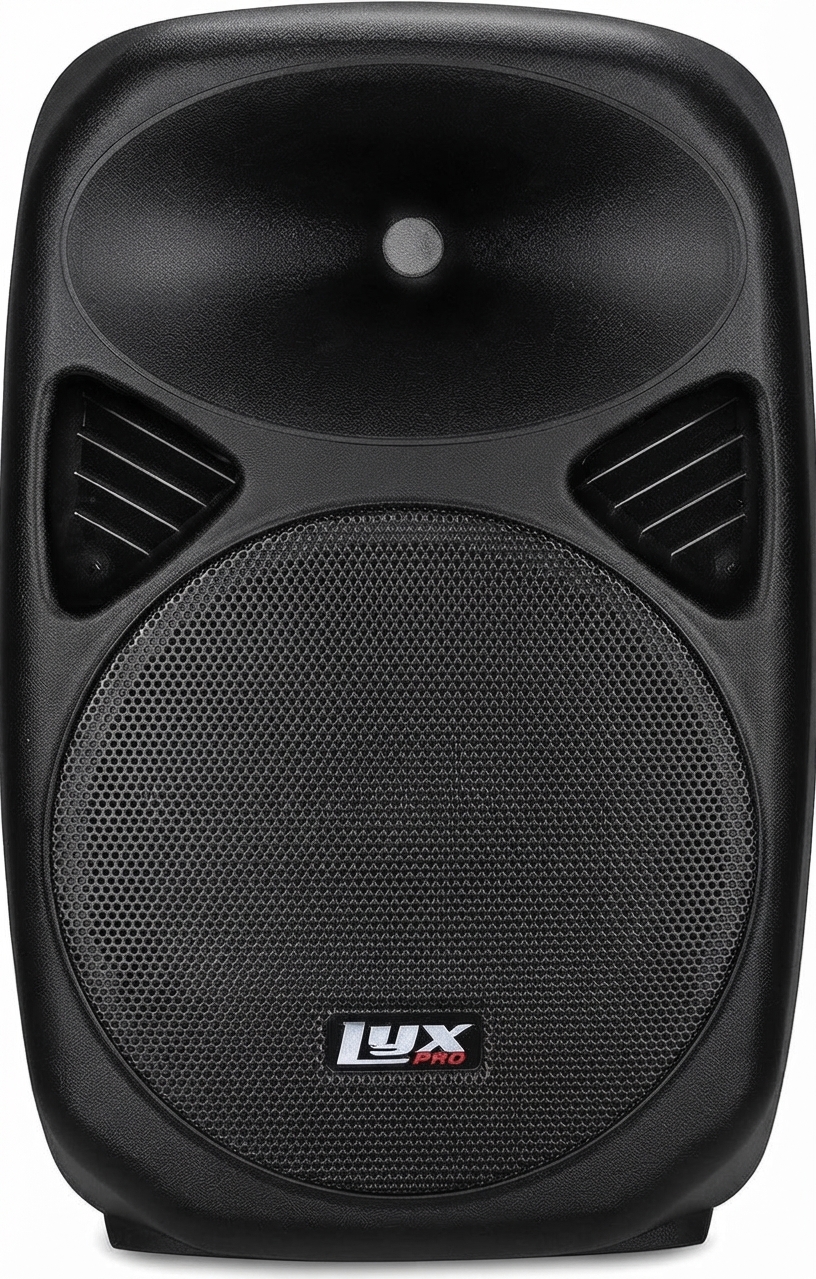
The lightspeed Mobile PA Portable Audio System is a compact, all-in-one wireless audio solution designed to bring clear voice amplification and multimedia sound to large, active environments. Built for teachers, trainers, event staff, and presenters, this portable PA system is especially useful in gyms, multipurpose rooms, outdoor activities, assemblies, and mobile instruction settings where dependable sound coverage matters.
Its key strengths include wireless microphone support, Bluetooth connectivity, long battery life, and a lightweight grab-and-go design. The system uses integrated woofer and tweeter speakers to deliver balanced audio, while bass and treble controls make it easier to fine-tune sound for speech or music. The lightspeed Mobile PA Portable Audio System also stands out for its ability to extend learning and communication beyond the traditional classroom without requiring complicated setup or external equipment.
Typical pricing is estimated in the mid-premium range, with package pricing often starting around $2,000 depending on included microphones and accessories. Availability is generally through educational audio suppliers, authorized dealers, and school procurement channels. For buyers comparing portable sound systems, this model offers strong value for institutions that need reliable voice projection, mobile flexibility, and quick deployment in multiple locations.
Specifications and Key Features
The lightspeed Mobile PA Portable Audio System combines portability with performance, making it a practical choice for instructional and event use. It is designed to deliver clear speech amplification with enough output for medium to large spaces.
- Wireless communication: Access Technology at 1.9 GHz
- Wireless transmission range: Up to 200 ft. in open field conditions
- Bluetooth range: Up to 33 ft. for mobile devices and laptops
- Power output: 40 watts RMS
- Speaker system: Two integrated transducers, including woofer and tweeter
- Frequency response: 120 Hz to 13 kHz
- Battery life: Up to 8 hours on a full charge
- Power input: 24V/2.5A DC
- Audio input: One 3.5 mm input
- Audio output: One 3.5 mm output
- Tone control: Bass and treble adjustment
- Dimensions: 10.5 in. x 7.5 in. x 16 in.
- Weight with battery: Less than 10 lbs.
Compared with many basic portable PA speakers, this system offers stronger educational audio integration and longer wireless reach. It is also more purpose-built for instructional use than generic consumer Bluetooth speakers, making it a better fit for schools and professional environments.
Setup Guide: How to Set Up the lightspeed Mobile PA Portable Audio System
Setting up the lightspeed Mobile PA Portable Audio System is straightforward and can usually be completed in a few minutes. Start by placing the unit on a stable, flat surface with enough airflow around the speaker grille. Make sure the battery is charged or connect the unit to power using the supplied DC adapter.
- Turn on the system and check the battery indicator before use.
- Power on the wireless microphone and confirm it is paired with the receiver.
- For Bluetooth audio, enable Bluetooth on your phone, tablet, or laptop and select the Mobile PA device from the available list.
- Adjust volume gradually to avoid sudden loud output.
- Use the bass and treble controls to match speech or music playback.
- Test audio at the farthest listening point before starting the session.
If audio does not connect, restart both the speaker and the source device, then re-pair the connection. Keep liquids away from the unit, avoid blocking vents, and do not expose the system to rain or extreme heat. For best results, charge the battery fully before long events and store the unit in a dry, protected area when not in use.
Troubleshooting the lightspeed Mobile PA Portable Audio System
If the system does not power on, confirm the battery is charged and the DC adapter is firmly connected. If the sound is distorted, reduce the volume and check whether the bass setting is too high. Low output can also occur if the microphone battery is weak or if the Bluetooth source is too far away.
- No power: Charge the battery for several hours and verify the outlet is working.
- No Bluetooth connection: Remove the device from saved Bluetooth lists and pair again.
- Weak microphone signal: Replace or recharge the microphone battery.
- Audio feedback: Lower the microphone volume or move the microphone farther from the speaker.
- Short runtime: Fully recharge the battery and avoid repeated deep discharges.
This system does not commonly rely on visible error codes, so most issues are resolved through connection checks and power verification. Preventive care includes regular charging, safe storage, and routine inspection of cables and adapters. For warranty or support help, users should contact Lightspeed customer support through the company’s official service channels or authorized dealer network. Phone support is commonly listed through the manufacturer’s U.S. support line, and school buyers should also contact their reseller for replacement and service options.
Pros and Cons
Pros
- Portable and lightweight, making it easy to move between classrooms, gyms, and outdoor spaces.
- Strong wireless range for instructional use and large-area coverage.
- Bluetooth support adds flexibility for music, video, and multimedia playback.
- Eight-hour battery life is suitable for a full school day or extended events.
- Built-in tone controls improve speech clarity and audio tuning.
- Excellent value for schools that need a reliable mobile PA system rather than a consumer speaker.
Cons
- Higher price than entry-level portable Bluetooth speakers.
- Frequency response is optimized for voice, so deep bass performance is limited.
- Designed mainly for instructional and professional use, not for high-power concert-style audio.
- May be more system-specific than generic PA alternatives, which can limit accessory flexibility.
For users comparing portable audio systems, the lightspeed Mobile PA Portable Audio System offers a strong balance of mobility, clarity, and simplicity. It is especially appealing when dependable speech amplification matters more than sheer loudness.
Customer Reviews and User Feedback
User feedback on the lightspeed Mobile PA Portable Audio System is generally positive, with many buyers rating it around 4.5 out of 5 stars for ease of use and dependable performance. Teachers often praise the clear voice projection and the convenience of the all-in-one design.
- “Perfect for gym classes and outdoor activities.” Users appreciate the portability and wireless range.
- “Setup was quick and simple.” Reviewers like the minimal learning curve.
- “Great sound for speech, but not a bass-heavy music system.” A common complaint from music-focused users.
- “Battery lasts through the school day.” One of the most frequently praised features.
Most buyers recommend the system for schools, training centers, and presenters who need a dependable portable PA speaker. The most frequently mentioned issue is that it is priced above basic consumer options, but many users consider the performance and durability worth the cost.
Faqs
How do I set up the lightspeed Mobile PA Portable Audio System for the first time?
Why is my lightspeed Mobile PA Portable Audio System not producing sound even though it is powered on?
Can the lightspeed Mobile PA Portable Audio System connect to smartphones, laptops, and microphones at the same time?
What should I do if Bluetooth keeps disconnecting on the lightspeed Mobile PA Portable Audio System?
How can I get the best sound quality from the lightspeed Mobile PA Portable Audio System outdoors?
What features should I look for when using the lightspeed Mobile PA Portable Audio System for presentations?
How do I reduce feedback and echo on the lightspeed Mobile PA Portable Audio System?
How should I clean and maintain the lightspeed Mobile PA Portable Audio System for long-term use?
Leave a Comment