
Sandisk Ixpand Series Wireless Charger 15W User Manual
Content
Introduction to the SanDisk Ixpand Series Wireless Charger 15W
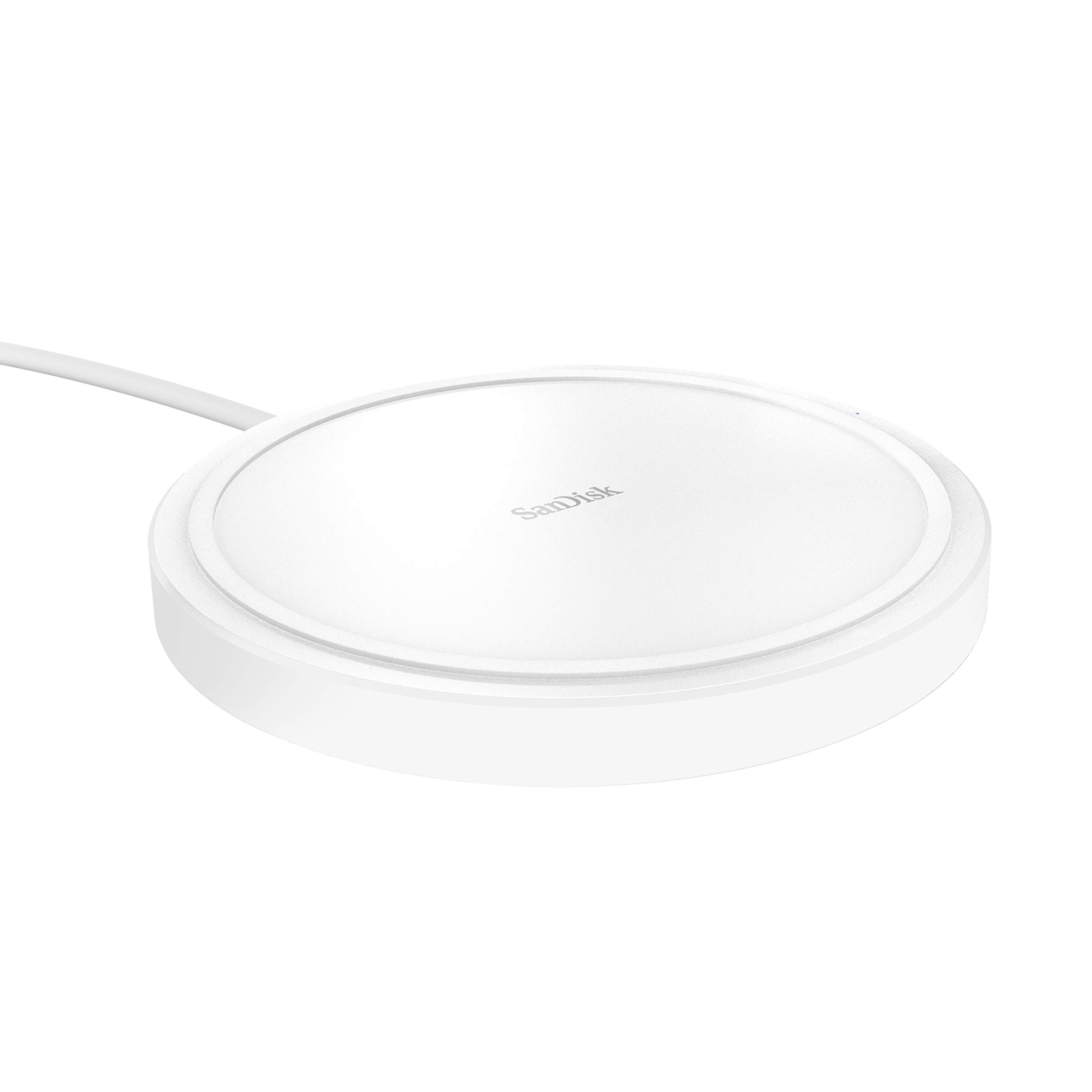
The Sandisk Ixpand Series Wireless Charger 15W is a Qi-certified fast wireless charging pad designed for users who want simple, reliable charging for compatible iPhones, Samsung phones, and other Qi-enabled devices. It delivers up to 15W of power when paired with a 24W QC3.0 AC adapter, making it a practical choice for everyday charging at home, on a desk, or beside the bed. The charger is built for convenience, with a compact square form factor, USB-C connectivity, and a clean, minimal design that fits well in modern workspaces.
This wireless charger is especially useful for people who want a dependable charging surface without dealing with cables every time. It is also a good fit for users who keep a second charging spot in the office, guest room, or living room. The Sandisk Ixpand Series Wireless Charger 15W supports fast wireless charging for compatible smartphones and can also be used for earbuds with wireless charging cases, which adds flexibility for mixed-device households.
Typical availability is through major online retailers and electronics stores, with price depending on bundle and region. The estimated price range is around $25 to $50 internationally, while older regional listings have placed it near ₹1,999 to ₹2,999 in India. Overall, the Sandisk Ixpand Series Wireless Charger 15W stands out for its balance of speed, Qi certification, and simple plug-and-play use.
Specifications for Sandisk Ixpand Series Wireless Charger 15W
- Charging standard: Qi-certified wireless charging
- Maximum output: Up to 15W fast wireless charging with the correct QC3.0 adapter
- Power requirement: 24W QC3.0 AC adapter recommended for full-speed performance
- Connector: USB-C
- Dimensions: Approximately 3.94 x 3.94 x 0.53 inches
- Weight: About 42 g to 231 g depending on listing and package variant
- Compatibility: Qi-enabled iPhone, Samsung Galaxy, Android phones, and wireless-charging earbuds cases
- Included accessories: USB-C cable; some bundles include a QC adapter
- Design: Flat pad-style charger for stable placement
- Performance note: Fast charging speed depends on device support and adapter quality
Compared with basic 5W or 10W wireless pads, this model offers faster top-end charging and better suitability for daily use. Compared with premium multi-device stands, it is simpler and more compact, but it does not include smartwatch charging or multi-device output.
Troubleshooting the Sandisk Ixpand Series Wireless Charger 15W
If the charger is not powering on, first confirm that the USB-C cable is firmly connected and that the wall adapter supports Qualcomm Quick Charge 3.0. A standard low-power adapter may prevent the pad from reaching its full 15W output. If the phone charges slowly, remove thick cases, metal plates, or magnetic accessories, since these can reduce wireless efficiency.
Common issues include the device not aligning correctly on the charging surface, intermittent charging, or the phone stopping and starting. Reposition the phone in the center of the pad and make sure the charging coil is properly aligned. There are no widely published user-facing error codes for this charger, so most issues are solved through power, alignment, or accessory checks.
To prevent problems, keep the pad cool, avoid covering it with fabric, and use only compatible accessories. For support, SanDisk typically provides warranty coverage through its customer service and regional support channels. If you need help, contact SanDisk support through the official support website or the retailer from which the product was purchased, especially for warranty replacement or bundle-related issues.
Pros and Cons of Sandisk Ixpand Series Wireless Charger 15W
Pros
- Fast wireless charging up to 15W with the right QC3.0 adapter
- Qi-certified compatibility for broad device support
- Compact, lightweight, and easy to place on a desk or nightstand
- Works well for iPhone, Samsung, Android phones, and wireless earbuds cases
- Simple pad design makes it easy to use every day
- Good value for users who want a dependable single-device charger
Cons
- Full-speed charging requires a separate compatible adapter in some bundles
- No multi-device charging or smart display features
- Wireless charging is slower than wired fast charging
- Case thickness and alignment can affect performance
- Less versatile than premium charging stands with additional ports
For value for money, the Sandisk Ixpand Series Wireless Charger 15W is strong if you want a reliable, branded Qi pad rather than a feature-heavy charger. It competes well against basic wireless pads, but users needing multiple charging zones may prefer a dual-pad or stand-style alternative.
Customer Reviews of the Sandisk Ixpand Series Wireless Charger 15W
Customer feedback is generally positive, with many users praising the compact design, easy setup, and reliable charging performance. Typical ratings land around 4 out of 5 stars in user discussions and retail listings, especially when the charger is paired with the recommended adapter. Users often say it feels stable on a desk and works well as a bedside charger.
Common complaints focus on the need for the correct power adapter, occasional slower charging with thick cases, and the lack of included fast-wall charger in some versions. Buyers who want a simple wireless charger for daily phone top-ups usually recommend it, while users expecting advanced features may want a more expensive alternative. For most everyday charging needs, the Sandisk Ixpand Series Wireless Charger 15W is considered a practical and trustworthy choice.
Faqs
How do I set up the sandisk Ixpand Series Wireless Charger 15W for the first time?
Why is my sandisk Ixpand Series Wireless Charger 15W not charging my phone consistently?
Which phones are compatible with the sandisk Ixpand Series Wireless Charger 15W?
Does the sandisk Ixpand Series Wireless Charger 15W support fast charging, and what affects charging speed?
What should I do if the sandisk Ixpand Series Wireless Charger 15W gets warm during use?
How do I position my phone correctly on the sandisk Ixpand Series Wireless Charger 15W?
What maintenance helps keep the sandisk Ixpand Series Wireless Charger 15W working reliably?
How can I troubleshoot slow charging on the sandisk Ixpand Series Wireless Charger 15W?
Tags
More sandisk manuals
Leave a Comment