
How to Use: Starlink Mini Router User Manual
Content
Starlink Mini Router: Complete Product Manual and Buyer’s Guide
Introduction
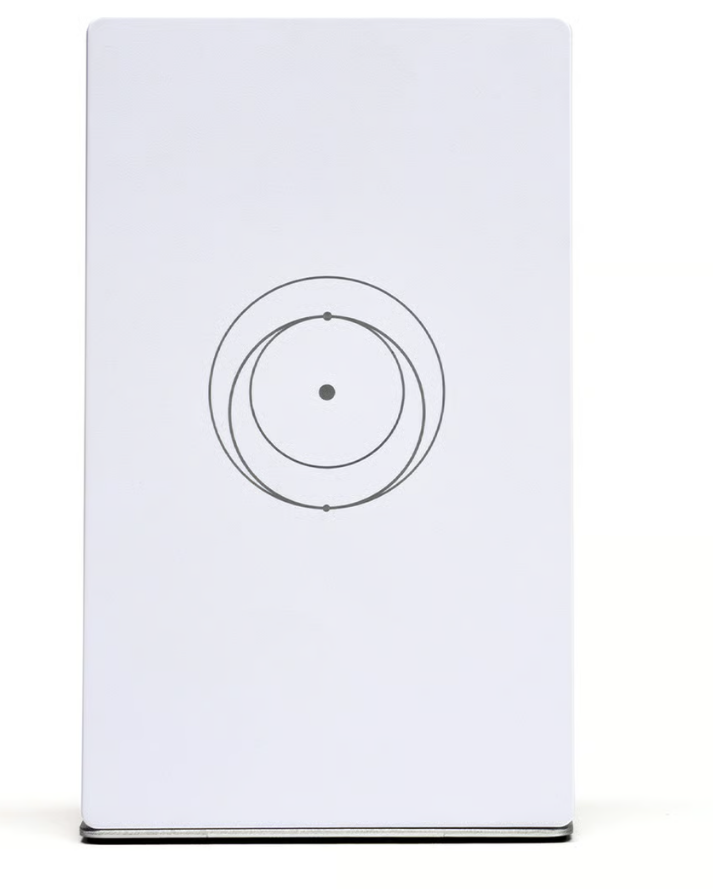
The Starlink Mini Router is a compact, portable Wi‑Fi solution designed for users who need fast internet access in small spaces, vehicles, campsites, and off-grid work setups. It combines a built-in router with Starlink’s portable connectivity ecosystem, reducing setup complexity and making it easier to get online without separate networking hardware. For users who value simplicity, mobility, and reliable satellite internet, the Starlink Mini Router offers a strong balance of convenience and performance.
One of its biggest advantages is the all-in-one design. Instead of carrying a larger dish and external router, the Mini keeps everything streamlined and travel-friendly. It supports dual-band Wi‑Fi, works with the Starlink mobile app, and is intended for quick deployment in minutes. That makes it especially appealing for RV owners, remote workers, field teams, and travelers who need internet access in changing locations.
Availability is generally tied to Starlink hardware and service offerings, with pricing often changing by region and promotion. Typical pricing for the Mini hardware has been seen in the roughly $199 to $599 range depending on the bundle, market, and eligibility, while the standalone Router Mini accessory is commonly listed around $39.99 to $40. Overall, the Starlink Mini Router is positioned as an affordable, space-saving networking option for portable Starlink setups.
Specifications: Starlink Mini Router Technical Details
- Wireless standard: Wi‑Fi 5 (802.11a/b/g/n/ac) with dual-band support.
- Radio type: Dual-band 3 x 3 MU‑MIMO for multiple-device handling.
- Coverage: Up to about 1,200 sq ft, depending on placement and obstructions.
- Device capacity: Supports up to 128 connected devices in the Starlink Mini ecosystem.
- Power: DC power with an input rating of 12–48V and up to 60W max.
- Average power use: About 25–40W under typical operating conditions.
- Ethernet: One latching Ethernet LAN port for wired connectivity.
- Durability: IP67-rated for dust and water resistance.
- Operating temperature: -30°C to 50°C (-22°F to 122°F).
- Size and weight: Compact, travel-friendly design around 1.1 kg / 2.4 lb for the Mini system.
- Performance: Real-world download speeds commonly fall in the 100–200 Mbps range, depending on location, plan, and sky visibility.
Compared with larger Starlink routers and many traditional home mesh systems, the Starlink Mini Router focuses on portability rather than maximum whole-house coverage. It is better suited to mobile use and small-area networking than heavy multi-room performance.
Setup Guide: How to Install and Configure the Starlink Mini Router
1. Unpack the unit and inspect all included cables, mounts, and connectors before powering on.
2. Place the device in an open area with a clear view of the sky. Obstructions like trees, metal roofs, and walls can reduce signal quality.
3. Connect power using the recommended DC or USB-C power option, depending on your kit and accessory configuration.
4. Open the Starlink app on your phone or tablet and follow the on-screen pairing instructions to activate and configure the network.
5. Set your Wi‑Fi name and password, then test connectivity with one or two devices before moving the router to its final location.
6. If needed, connect a wired device through the Ethernet LAN port for more stable performance.
Safety tip: avoid placing the router near heat sources, wet surfaces, or enclosed compartments with poor airflow. If the signal is weak, reposition the unit rather than increasing power or forcing cable connections.
Troubleshooting: Common Starlink Mini Router Problems and Fixes
- No internet connection: Check sky visibility, power input, and account activation status in the app.
- Weak Wi‑Fi signal: Move the router higher, reduce physical obstructions, and keep it away from thick walls or reflective metal surfaces.
- Frequent disconnects: Inspect cable seating, reboot the system, and confirm firmware is up to date.
- Device will not pair: Restart the app, cycle the router power, and try pairing again from scratch.
- Error or offline status: Check for power instability, overheating, or a service interruption in your area.
Preventive care includes keeping the unit dry when not rated for exposure, checking connections before travel, and updating software regularly. If hardware damage occurs or the device fails after basic troubleshooting, warranty or support options should be handled through Starlink’s official help channels and account support tools. For fastest assistance, use the Starlink app support section, your account dashboard, or the company’s customer support resources tied to your region.
Pros and Cons of the Starlink Mini Router
Pros
- Highly portable: Easy to carry for camping, RV travel, and field work.
- Simple setup: App-based onboarding reduces installation time.
- All-in-one design: Fewer accessories and less cable clutter.
- Good speed potential: Strong enough for streaming, remote work, and video calls in many areas.
- Weather-resistant: IP67 durability improves outdoor confidence.
Cons
- Not ideal for large homes: Coverage is limited compared with full-size mesh routers.
- Wi‑Fi 5 only: Lags behind newer Wi‑Fi 6 and Wi‑Fi 6E routers.
- Best with clear sky view: Performance can drop quickly with obstructions.
- Third-party mesh limits: It is less flexible than some traditional networking products.
For value for money, the Starlink Mini Router makes the most sense if portability matters more than raw household coverage. Compared with standard Starlink or traditional mesh alternatives, it is a smarter choice for travel and temporary deployments.
Customer Reviews: What Buyers Say About the Starlink Mini Router
Customer feedback is generally positive, with many users praising the easy setup and compact size. A common theme is convenience: travelers, RV owners, and remote workers like being able to deploy the system quickly and move it without hassle. Typical ratings fall around 4 to 5 stars when users prioritize portability and ease of use.
Common complaints focus on the limited Wi‑Fi range, dependence on clear sky visibility, and the fact that it is not a full replacement for a large home mesh system. Some users also mention that performance can vary significantly by location.
Representative feedback often sounds like this: “Set it up in minutes and got online fast,” and “Perfect for travel, but not the best choice for a big house.” Overall, the Starlink Mini Router is recommended for people who want a portable, reliable satellite networking option rather than a traditional high-coverage home router.
Conclusion
The Starlink Mini Router is a practical choice for users who need mobile satellite internet with minimal setup effort. It delivers a compact form factor, easy app-based configuration, and solid real-world performance for travel and off-grid use. If your priority is portability, the Starlink Mini Router is a compelling solution.
Faqs
How do I set up the starlink Mini Router for the first time?
What should I do if my starlink Mini Router is not connecting to the internet?
Which devices are compatible with the starlink Mini Router?
How can I improve the Wi-Fi range and performance of my starlink Mini Router?
Why does my starlink Mini Router keep dropping connection, and how can I fix it?
Can I use the starlink Mini Router in a vehicle, RV, or portable setup?
What are the main features of the starlink Mini Router that improve daily use?
How should I clean and maintain the starlink Mini Router for long-term reliability?
Tags
More starlink manuals
Leave a Comment