
Connex CX27A21DC Fhd Led TV User Manual
Content
Connex CX27A21DC FHD LED TV: Full Product Manual and Buying Guide
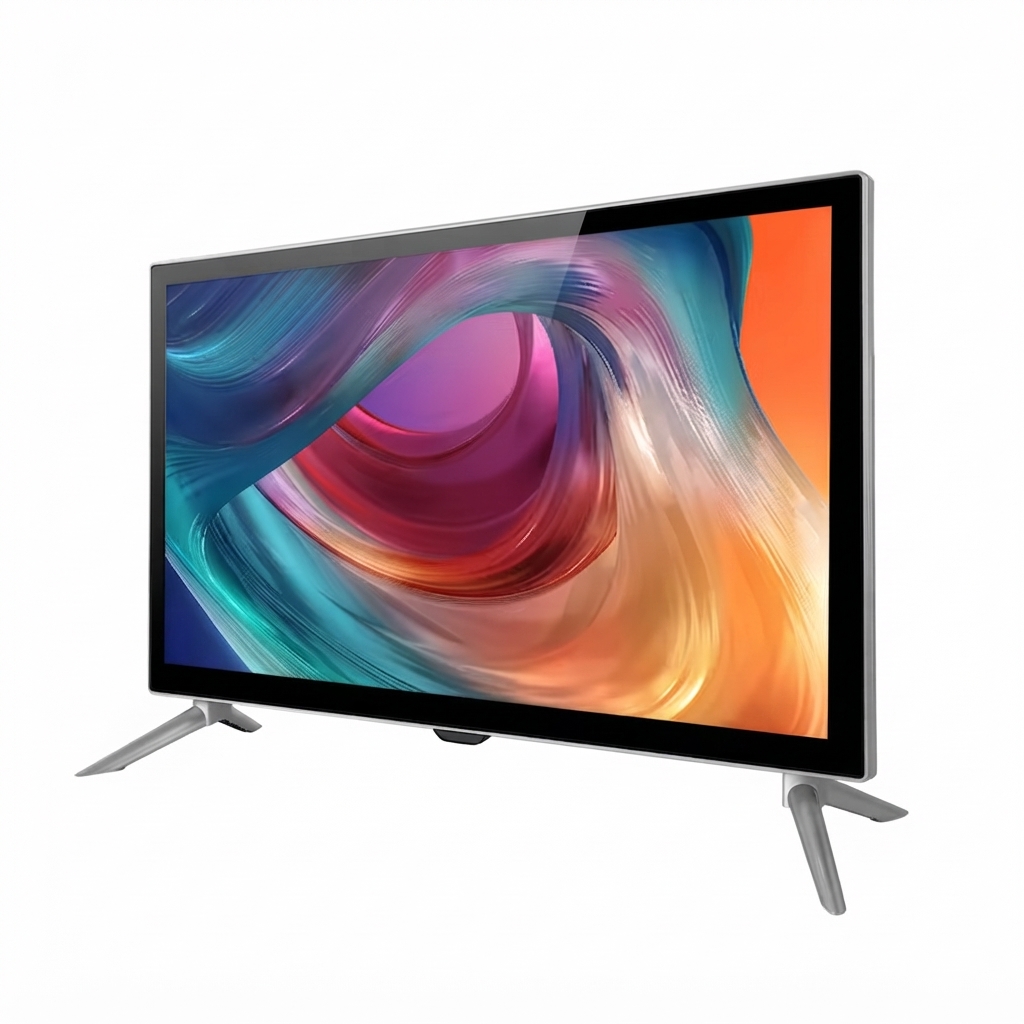
The Connex CX27A21DC FHD LED TV is a compact 27-inch full HD television designed for users who want a practical, space-saving display with versatile connectivity. With a 1920 x 1080 resolution, wide 178-degree viewing angles, and support for both entertainment and basic computer use, the Connex CX27A21DC Fhd Led TV is a strong fit for RVs, small bedrooms, offices, guest rooms, and secondary viewing setups. Its lightweight footprint and VESA mounting support make it easy to install on a wall or place on a stand, while the included remote, batteries, and mounting hardware add convenience right out of the box.
One of the biggest advantages of this model is its balance of simplicity and functionality. It includes HDMI inputs, a VGA connection, RF input, USB media playback for JPEG and MP3 files, and audio outputs for headphones or external speakers. That makes it useful not only for TV viewing but also as a compact monitor-style display for streaming devices, set-top boxes, and older PCs. For buyers searching for an affordable 27-inch FHD LED TV, this model typically sits in the budget-friendly range, often estimated around the low-to-mid cost bracket for compact televisions depending on seller, region, and availability. It is commonly found through RV and specialty electronics channels, replacement parts retailers, and manual support sites. For shoppers who need a simple, reliable display rather than premium smart-TV features, the Connex CX27A21DC Fhd Led TV offers practical value and easy setup.
Specifications for Connex CX27A21DC FHD LED TV
The Connex CX27A21DC Fhd Led TV is built around essential home and travel-friendly display features. It focuses on clear image output, flexible input options, and straightforward media playback rather than advanced smart-TV functions.
- Model: CX27A21DC
- Screen size: 27 inches
- Panel resolution: 1920 x 1080 Full HD
- Aspect ratio: 16:9
- Viewing angle: 178° horizontal / 178° vertical
- USB playback: JPEG images and MP3 audio
- Inputs: HDMI x3, RF input, VGA input, CVBS / component-style AV input
- Audio connections: headphone jack, PC audio input, mini line out, audio input
- Power: DC 12V input
- Mounting: VESA 100 x 100 mm
- Included accessories: remote control, 2 AAA batteries, base stand, screws, wall-mount screws
- Warranty: limited 1-year warranty
Compared with similar 27-inch LED TVs, the main strengths are its Full HD panel and broader port selection. Many small TVs in this class offer only basic HDMI and RF inputs, while this model adds VGA and audio routing options that improve compatibility with older devices and RV systems.
Pros and Cons of the Connex CX27A21DC FHD LED TV
The Connex CX27A21DC Fhd Led TV delivers solid practical value, especially for users who prioritize size, compatibility, and simplicity over premium smart features.
Pros
- Full HD 1080p resolution: sharper than many entry-level compact TVs, making text and video look cleaner.
- Wide compatibility: HDMI, VGA, RF, and USB support make it useful for streaming devices, cable boxes, and older computers.
- Compact 27-inch size: ideal for small rooms, kitchens, RVs, and secondary viewing setups.
- Easy installation: includes base stand and VESA wall-mount support for flexible placement.
- Good value for money: a practical choice for users who need a dependable basic television without paying for smart-TV extras.
Cons
- No built-in smart platform: users must connect a streaming stick or external device for apps.
- Limited USB media support: playback is restricted mainly to JPEG and MP3 files.
- Entry-level audio experience: like many compact TVs, sound performance may be modest without external speakers.
- Not a premium entertainment display: it is better suited for everyday use than cinematic home theater setups.
For buyers comparing compact LED televisions, this model is most attractive when affordability, mounting flexibility, and everyday reliability matter more than advanced features.
Customer Reviews of Connex CX27A21DC FHD LED TV
User feedback for the Connex CX27A21DC Fhd Led TV is generally positive, with many owners praising the easy setup, compact design, and useful input selection. Typical ratings fall around 4 out of 5 stars for practical everyday use. Buyers often mention that it works well in RVs and smaller spaces where a 27-inch display is the ideal size.
Common praise includes clear 1080p picture quality, simple remote control operation, and the convenience of having HDMI and VGA ports in one unit. A frequent testimonial style comment is: “Perfect for my camper setup; the picture is sharp and the size fits exactly where I needed it.”
Common complaints focus on the lack of smart features and average built-in sound. Some users also note that USB playback is basic, so it is not ideal as a multimedia hub. Overall, the Connex CX27A21DC Fhd Led TV is recommended for shoppers who want a dependable, budget-conscious compact television and are comfortable using an external streaming device if needed.
Faqs
How do I set up the connex CX27A21DC Fhd Led TV for the first time?
Why is my connex CX27A21DC Fhd Led TV not turning on, and what should I check first?
Which devices are compatible with connex CX27A21DC Fhd Led TV through HDMI, USB, and VGA?
How do I get the best picture quality on connex CX27A21DC Fhd Led TV?
How do I connect a soundbar or headphones to connex CX27A21DC Fhd Led TV?
Why does my connex CX27A21DC Fhd Led TV show no signal on HDMI or antenna input?
Can I wall mount connex CX27A21DC Fhd Led TV, and what size bracket do I need?
How should I clean and maintain connex CX27A21DC Fhd Led TV to extend its lifespan?
More connex manuals
Leave a Comment