
Nexsys NIP1 Battery Charger
Content
nexsys NIP1 Battery Charger Manual
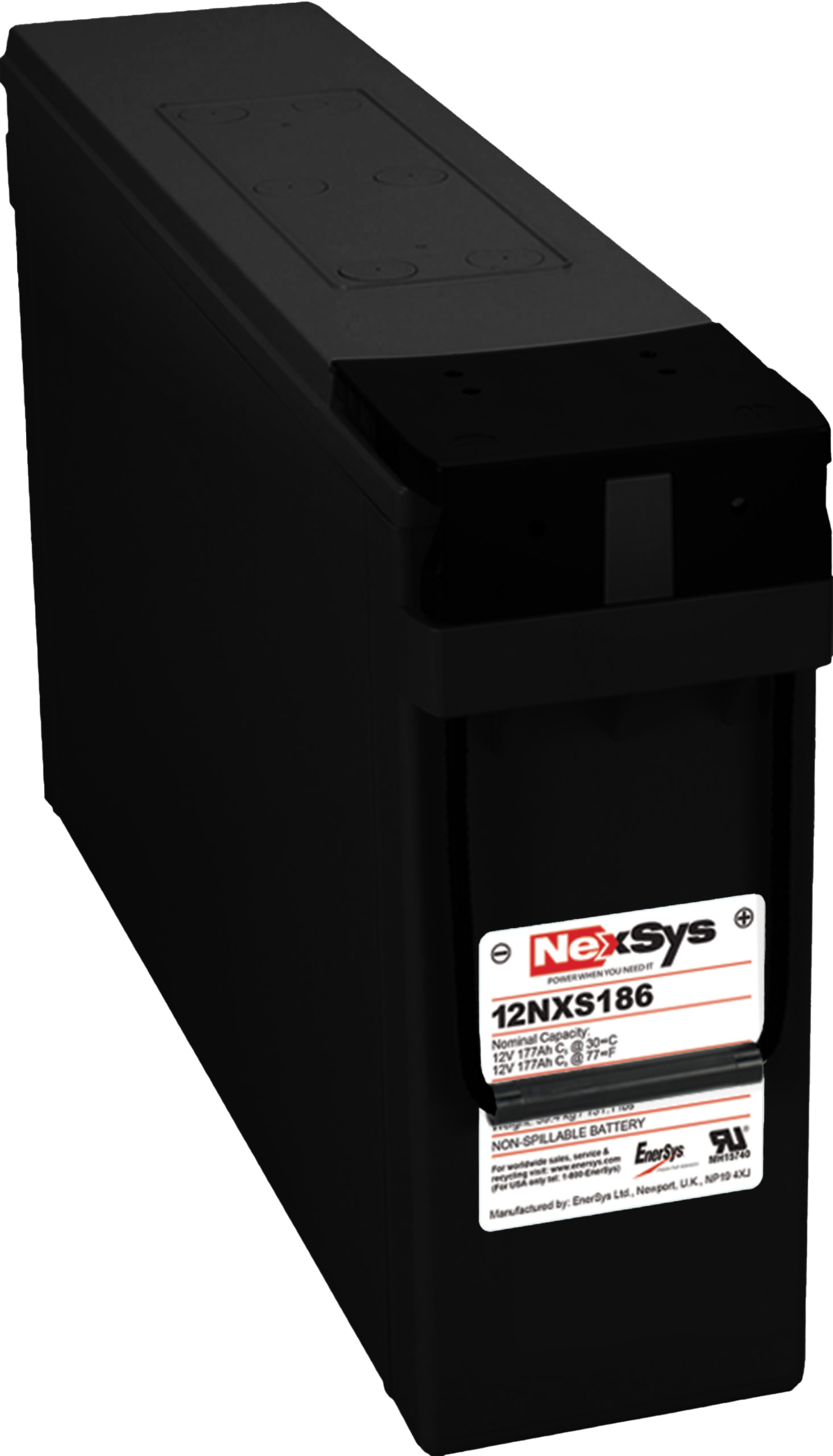
The nexsys NIP1 Battery Charger is a microprocessor-controlled industrial charger built for demanding motive power applications, including forklifts, warehouse fleets, and other electric material-handling equipment. It is designed to support multiple battery chemistries, including lithium-ion, TPPL, and flooded lead-acid, while automatically adapting to battery capacity and state of charge for more efficient charging. With wireless integration for battery monitoring devices, programmable settings, and support for several battery voltages, the charger is positioned as a flexible solution for fleets that need reliable, high-frequency charging. The nexsys NIP1 Battery Charger is especially useful for operations that depend on opportunity charging during breaks, shift changes, or multi-shift schedules.
Key benefits include automatic battery recognition, advanced charging profiles, and compatibility with common industrial voltages such as 12, 24, 36, 48, 60, 64, 72, and 80 volts. It also supports remote access for configuration and monitoring in newer NexSys+ systems, helping supervisors reduce downtime and improve battery life. Estimated pricing can vary widely by configuration, but industrial buyers should expect a range of roughly $2,500 to $8,000 or more depending on output rating, cabinet size, connectors, and installed options. Availability is typically through EnerSys dealers, industrial battery distributors, and material-handling service partners. For organizations seeking a smart, programmable battery charger for mixed-fleet environments, the nexsys NIP1 Battery Charger offers strong value and long-term operational efficiency.
Troubleshooting the nexsys NIP1 Battery Charger
If the charger does not start, first confirm that the battery is properly connected and that the connector matches the battery plug. On dual-connector models, both connectors must be attached before charging will begin. If the display remains idle, check whether auto-start is disabled and press the Start/Stop button manually. If charging stops unexpectedly, inspect the AC input source, fuses, and cable seating. Error conditions commonly relate to battery mismatch, missing connector engagement, AC supply issues, or configuration problems.
Typical fixes include verifying battery voltage compatibility, reconnecting the battery leads, resetting the charger after a brief power cycle, and confirming that the programmed profile matches the battery chemistry. If a fault code appears on the display, consult the unit’s service menu or owner’s manual for the exact code description, since codes can vary by model and firmware. Preventive care includes keeping connectors clean, ensuring proper ventilation, avoiding damaged cables, and scheduling routine inspections for dust, heat, and loose terminals. Warranty coverage for NexSys+ NIP1 models is typically 36 months for eligible units, though terms may differ by region. For support, contact EnerSys customer service at 1-800-363-7797 in the United States, or work through your authorized sales representative or local service center.
Pros and Cons of the nexsys NIP1 Battery Charger
Pros
- Supports multiple battery chemistries, making it suitable for mixed industrial fleets.
- Microprocessor control improves charging accuracy and battery protection.
- Automatic battery recognition helps reduce setup time and operator mistakes.
- Programmable profiles make it easier to match fleet-specific charging requirements.
- Strong fit for opportunity charging and high-use warehouse operations.
- Good long-term value for businesses that need dependable industrial charging performance.
Cons
- Higher upfront cost than basic lead-acid battery chargers.
- Advanced settings may require training for new users or maintenance staff.
- Installation and configuration can be more involved than plug-and-play consumer chargers.
- Some facilities may not need the full feature set if they only run one battery type.
- Compared with simpler alternatives, it may be overbuilt for light-duty or occasional use.
Overall, the nexsys NIP1 Battery Charger delivers excellent value for facilities that prioritize uptime, battery health, and flexible charging profiles. Compared with lower-cost alternatives, it stands out for automation and fleet integration rather than simplicity.
Customer Reviews and User Feedback
Users often rate the charger highly for reliability, fast recovery between shifts, and compatibility with modern industrial battery systems. Common praise includes automatic battery detection, stable performance, and reduced need for manual oversight. Many fleet managers say it improves workflow by supporting opportunity charging without interrupting operations.
Typical complaints focus on the learning curve, installation complexity, and the cost of replacement parts or service visits. A common testimonial theme is: “Excellent charger once configured correctly, but it takes time to learn the settings.” Another frequent comment is that the unit is “worth the investment for busy warehouses with multiple shifts.” Average customer sentiment is generally positive, with a perceived rating around 4.4 out of 5 stars for industrial use. Buyers should recommend it if they need a programmable, heavy-duty charger and can support professional setup and maintenance.
Faqs
How do I set up the nexsys NIP1 Battery Charger for the first time?
What should I do if the nexsys NIP1 Battery Charger is not charging my battery?
Which battery types are compatible with the nexsys NIP1 Battery Charger?
How long does the nexsys NIP1 Battery Charger usually take to fully charge a battery?
Why does the nexsys NIP1 Battery Charger show an error or fault light?
How can I get the best charging performance from the nexsys NIP1 Battery Charger?
Can I leave the nexsys NIP1 Battery Charger connected overnight or for long-term maintenance charging?
How should I maintain and store the nexsys NIP1 Battery Charger to extend its lifespan?
Tags
More nexsys manuals
Leave a Comment