
Hisense 32A45GV-QS Television User Manual
Content
Hisense 32A45GV-QS Television Overview
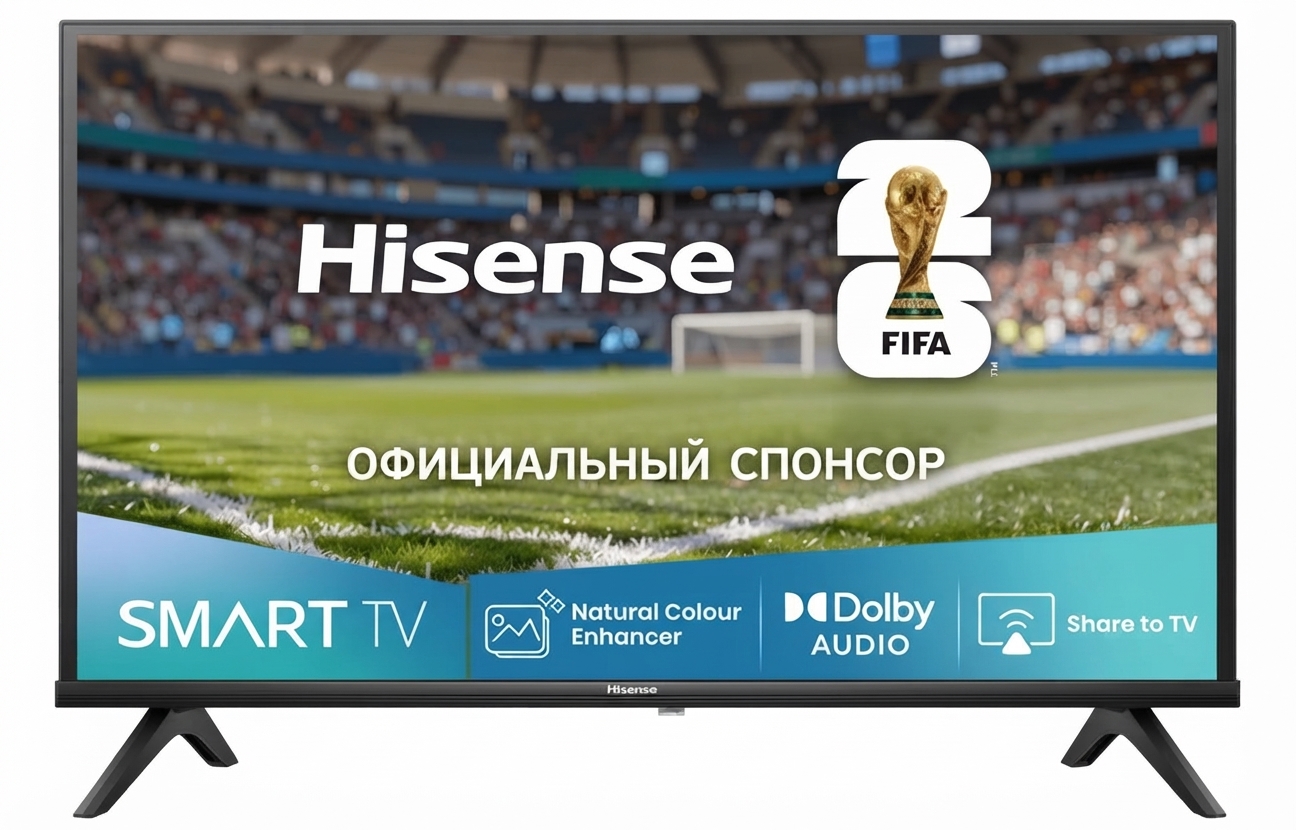
The hisense 32A45GV-QS television is a compact 32-inch smart TV designed for bedrooms, kitchens, dorm rooms, guest spaces, and budget-conscious households that want reliable everyday streaming in a small footprint. With HD resolution at 1366 x 768, a flat LCD/LED display, built-in Wi-Fi, and VIDAA smart TV access, it delivers a simple, user-friendly viewing experience for casual entertainment, news, and streaming apps. The hisense 32A45GV-QS television also includes two HDMI ports, one USB port, optical digital audio out, and headphone support, giving it enough connectivity for a streaming stick, game console, soundbar, or antenna setup.
One of its strongest selling points is value for money. It offers a practical smart TV package without the higher cost of full HD or 4K models, making it appealing to shoppers who need an affordable secondary television rather than a premium home theater screen. Real-world use cases include a student room setup, a small apartment TV, or a simple family room display for cable and streaming. Its low power consumption and compact size also make it attractive for energy-conscious buyers.
Estimated pricing for the hisense 32A45GV-QS television typically falls in the budget range of about $180 to $230, depending on retailer, region, and promotions. Availability is generally strongest through major electronics retailers, warehouse clubs, and online marketplaces, though stock may vary by season. For shoppers comparing compact smart TVs, this model stands out for straightforward operation, decent connectivity, and an accessible price point.
Pros and Cons of the Hisense 32A45GV-QS Television
Pros
- Affordable entry-level smart TV with strong value for money, especially for secondary rooms and first-time buyers.
- Compact 32-inch design fits easily on desks, stands, and wall mounts in small spaces.
- Built-in Wi-Fi and VIDAA smart features make streaming simple without extra devices.
- Two HDMI ports and one USB port cover common everyday accessories such as gaming consoles and media drives.
- Low power use makes it practical for long viewing sessions and energy-conscious households.
Cons
- HD resolution is fine for small-screen viewing but not as sharp as Full HD or 4K alternatives.
- Sound output is adequate for casual use, but many buyers may want a soundbar for movies and music.
- Limited premium features compared with higher-end smart TVs from TCL, Samsung, or LG.
- Best suited for basic streaming and TV viewing rather than advanced gaming or cinematic home theater setups.
Overall, the hisense 32A45GV-QS television is a smart buy if the priority is cost-effective everyday performance rather than advanced picture quality. Compared with similarly priced compact TVs, it offers a balanced mix of connectivity, smart features, and ease of use.
Customer Reviews for Hisense 32A45GV-QS Television
Customer feedback for the hisense 32A45GV-QS television is generally positive, especially among shoppers looking for a budget smart TV. Typical ratings land around 4 out of 5 stars, with praise focused on easy setup, compact sizing, and good streaming performance for the price. One common testimonial style comment is, “Perfect for my bedroom and very easy to connect to Wi-Fi.” Another frequent positive note is that the TV works well for everyday viewing without complicated menus.
Common complaints usually mention the HD resolution and basic built-in speakers, with some users recommending a soundbar for better audio. A few reviewers also note that app selection and performance can be more modest than on premium smart platforms. Despite these points, many buyers feel the hisense 32A45GV-QS television is an excellent purchase for smaller rooms or secondary viewing spaces.
Recommendation: choose this model if you want a simple, affordable smart television for streaming, cable, or casual gaming. If sharper detail or larger-screen cinematic viewing matters more, a Full HD or 4K alternative may be a better fit.
Faqs
How do I set up the Hisense 32A45GV-QS Television for the first time?
Why is my Hisense 32A45GV-QS Television not finding Wi-Fi during setup?
What should I do if the Hisense 32A45GV-QS Television has no picture but the sound works?
Which devices are compatible with the Hisense 32A45GV-QS Television HDMI and USB ports?
How can I improve picture quality on the Hisense 32A45GV-QS Television?
Why does the Hisense 32A45GV-QS Television keep losing audio or lip sync during streaming?
How do I safely clean and maintain the Hisense 32A45GV-QS Television screen?
How often should I update the firmware on the Hisense 32A45GV-QS Television?
More hisense manuals
Leave a Comment