
Hisense 43R6E1 Roku TV User Manual
Content
Hisense 43R6E1 Roku TV Review and Product Manual
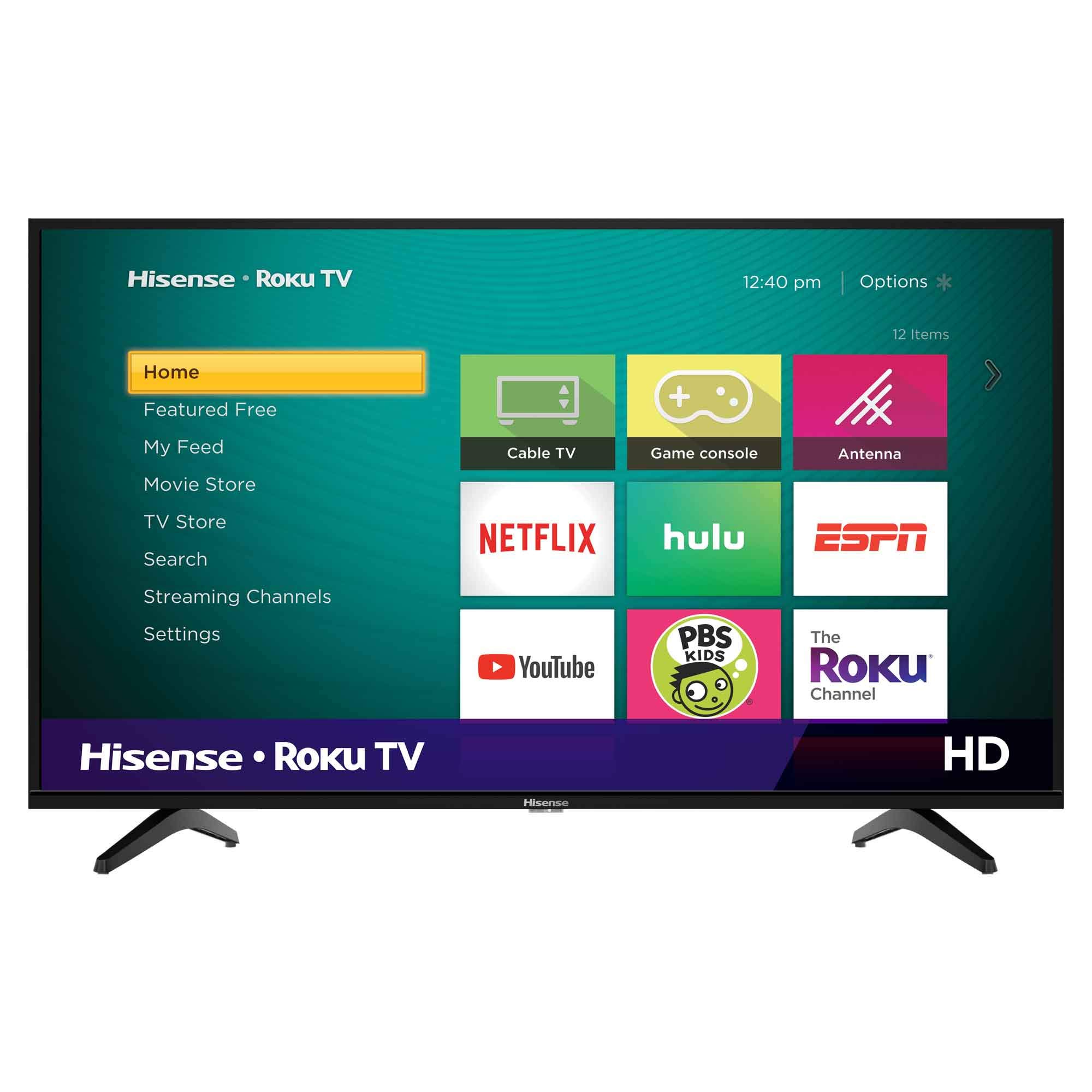
The Hisense 43R6E1 Roku TV is a 43-inch 4K UHD smart television built for viewers who want an affordable, easy-to-use streaming TV with strong everyday performance. It combines Roku TV’s simple interface with 4K resolution, HDR support, and a compact footprint that fits bedrooms, dorm rooms, apartments, and secondary living spaces. For buyers searching for a budget-friendly 4K Roku TV, the hisense 43R6E1 Roku TV stands out for its straightforward setup, wide app access, and good value for money.
This model uses a flat 42.5-inch panel with 3840 x 2160 resolution, 60Hz refresh rate, and 4K upscaling for lower-resolution content. It includes three HDMI 2.0b inputs, one USB port, Ethernet, Wi-Fi, and built-in Roku operating system access to thousands of streaming channels. The TV is also lightweight, making it easier to mount or move than many larger sets. A typical price range for the hisense 43R6E1 Roku TV is about $200 to $300 depending on retailer, promotions, and availability, with pricing often trending near the low-$200s for 43-inch 4K Roku TVs. This makes it appealing for first-time 4K buyers, casual streamers, and shoppers looking for a practical bedroom TV with modern smart features.
Troubleshooting Common Hisense 43R6E1 Roku TV Problems
If the TV will not power on, first check the wall outlet, power cord, and remote batteries. If the screen is on but apps are freezing, restart the TV from the Roku menu or unplug it for 60 seconds. For Wi-Fi connection problems, open Network settings and run a connection check, then reconnect to the correct router and enter the password carefully. If you see a Roku activation or setup error, confirm your internet connection and finish pairing the TV through the on-screen Roku prompts.
Common Roku-related fixes include resetting the network, updating software, and performing a factory reset only when other steps fail. Preventive measures include keeping the TV ventilated, updating the system regularly, using a quality surge protector, and avoiding unstable HDMI connections. Warranty coverage and service options are generally handled through Hisense support, while Roku support can help with account, app, and interface issues. For help in the U.S., contact Hisense support at 1-888-935-8880 or use the Hisense support website. Roku support also provides setup and troubleshooting guidance for Roku TV owners.
Pros and Cons of the Hisense 43R6E1 Roku TV
Pros
- Affordable 4K UHD value for budget-conscious shoppers.
- Roku TV interface is simple, fast, and easy to learn.
- Three HDMI ports make it practical for consoles, streaming devices, and soundbars.
- HDR support improves contrast and color in compatible content.
- Lightweight design works well for wall mounting or smaller rooms.
Cons
- Built-in speakers are basic, so a soundbar may be needed for better audio.
- No Bluetooth support for wireless headphones or speakers.
- 60Hz refresh rate is fine for everyday viewing but not ideal for competitive gaming.
- Picture quality is solid for the price, but premium models from TCL or Samsung deliver better brightness and processing.
- Some users may prefer a TV with more advanced gaming features or stronger motion handling.
Overall, the hisense 43R6E1 Roku TV offers strong value for money if the goal is simple streaming and everyday entertainment rather than premium home-theater performance.
Customer Reviews for Hisense 43R6E1 Roku TV
Customer feedback for the hisense 43R6E1 Roku TV is generally positive, with many buyers giving it around 4 out of 5 stars for affordability, setup ease, and Roku convenience. Users often praise the sharp 4K picture, intuitive menu layout, and quick access to streaming apps. A common compliment is that it works well as a bedroom or guest-room TV without requiring extra devices.
Common complaints include average built-in sound, occasional Wi-Fi hiccups, and limited advanced features compared with higher-end models. One typical review theme is that the TV is an excellent budget purchase for streaming Netflix, Hulu, YouTube, and live TV apps, but buyers wanting louder audio or richer contrast may want to add external speakers or step up to a more premium set. For most shoppers, this model is recommended as a practical and affordable smart TV for everyday use.
Faqs
How do I set up hisense 43R6E1 Roku TV for the first time without missing any steps?
Why is my hisense 43R6E1 Roku TV not connecting to Wi‑Fi during setup?
What picture settings should I use to get the best image from hisense 43R6E1 Roku TV?
How do I fix sound problems on hisense 43R6E1 Roku TV when the volume is too low or no audio plays?
Which devices are compatible with hisense 43R6E1 Roku TV through HDMI and USB ports?
Why does my hisense 43R6E1 Roku TV keep freezing or running slowly, and how can I improve performance?
How do I clean and maintain hisense 43R6E1 Roku TV safely without damaging the screen?
What should I do if hisense 43R6E1 Roku TV remote stops pairing or responding?
More hisense manuals
Leave a Comment