
How to Use: Medline MDS9950 Oral Digital Thermometer User Manual
Content
Medline MDS9950 Oral Digital Thermometer Review and Product Manual
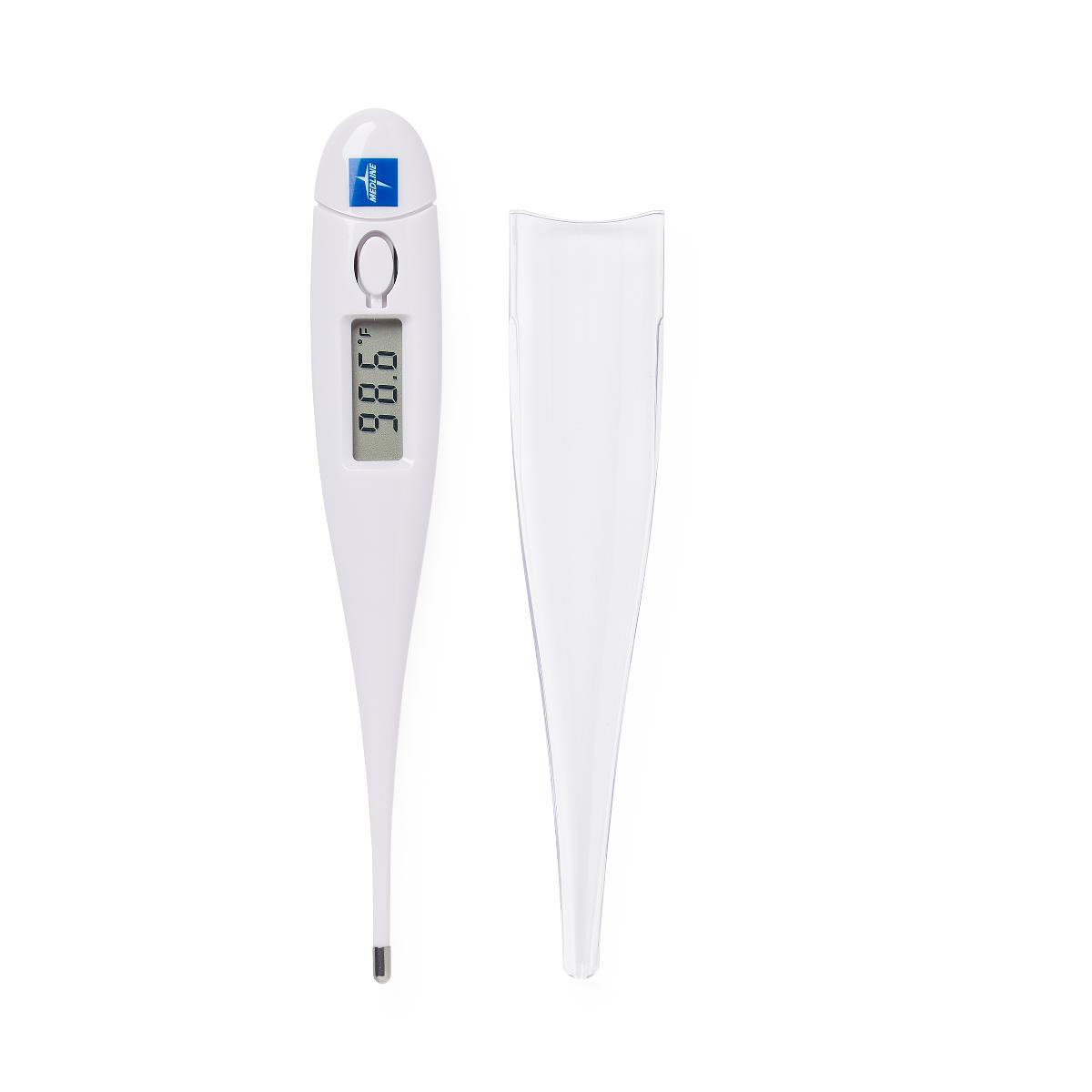
The Medline MDS9950 Oral Digital Thermometer is a practical, fast-reading oral thermometer designed for everyday temperature checks at home, in clinics, and in care facilities. It delivers quick oral measurements in about 30 seconds, with a simple push-button start and an easy-to-read LCD display that shows results in Fahrenheit and Celsius. For users who want a straightforward digital thermometer without complicated settings, the MDS9950 stands out for its simplicity, reliability, and low-maintenance design.
This oral digital thermometer is especially useful for parents, caregivers, medical offices, assisted living communities, and anyone who needs regular body-temperature monitoring. The model is built for oral use only, with a measurement range of 32.0°C to 42.9°C and strong accuracy in the clinically relevant body-temperature range. The compact stick format makes it easy to store, while the reusable design helps improve long-term value. In current retail listings, the Medline MDS9950 Oral Digital Thermometer is typically priced in the budget-friendly to mid-range category, often around the low-teens to low-twenties per unit depending on seller, packaging, and availability.
Availability is generally good through medical supply stores, office supply retailers, and online healthcare distributors, though stock can vary by region and packaging format. If you are searching for a reliable oral digital thermometer with fast readings, dual-scale display, and a simple user experience, the Medline MDS9950 Oral Digital Thermometer is a strong everyday option.
How to Set Up the Medline MDS9950 Oral Digital Thermometer
Setup is simple and requires no pairing, app, or wireless connectivity because this is a standalone digital thermometer. Before first use, inspect the thermometer for damage, clean the probe with a soft cloth or approved disinfectant, and make sure the battery is installed correctly. Press the power button once to turn the unit on; the screen should briefly activate and then display the readiness indicator.
To take a reading, place the probe under the tongue on either side of the tongue root, then close the mouth and breathe through the nose. Keep the thermometer still until the beep signals that the reading is complete, usually in about 30 seconds. You can switch between Fahrenheit and Celsius on models that include dual-scale display by following the unit’s mode-setting instructions, if available on your specific package version.
Important safety precautions include using the thermometer only for oral temperature measurement, avoiding use immediately after hot or cold drinks, and keeping it away from children without supervision. If the display does not power on, check the battery orientation first. If the reading seems unstable, retake the measurement after waiting a few minutes and make sure the probe is placed correctly under the tongue.
Troubleshooting Common Medline MDS9950 Thermometer Problems
If the thermometer will not turn on, the most common cause is a weak or incorrectly installed battery. Remove the battery cover, confirm proper placement, and replace the battery if needed. If the screen turns on but gives no reading or a very slow response, clean the probe, allow the device to acclimate to room temperature, and try again. Oral digital thermometers can also give inaccurate results if the mouth is open during measurement or if the user has just eaten or drunk something hot or cold.
Error indicators are typically limited on this type of thermometer, but a blank display, flashing symbols, or repeated beeping usually point to low battery, improper placement, or a failed sensor check. If the thermometer repeatedly returns unusual values, compare the result with a second thermometer and retest under proper conditions. Preventive care includes storing the unit in a dry place, cleaning it after each use, and avoiding dropping it or exposing it to excessive heat.
Warranty coverage and support depend on the seller and package version, so check the original box or product listing for details. For help, contact Medline customer support or the retailer where you purchased the unit. If the thermometer is part of a healthcare supply order, the distributor may also handle replacement questions and technical assistance.
Pros and Cons of the Medline MDS9950 Oral Digital Thermometer
Pros
- Fast oral reading time of about 30 seconds for quick daily checks.
- Simple one-button operation that is easy for families and caregivers.
- Dual Fahrenheit and Celsius display supports broad user preference.
- Compact, reusable design offers strong value for money.
- Suitable for home health, clinics, nursing facilities, and first-aid kits.
Cons
- Oral use only, so it is not a multi-purpose thermometer for other measuring methods.
- No smart features, memory tracking, or Bluetooth connectivity.
- Accuracy depends on correct placement and proper oral measurement habits.
- Not ideal for users who need a forehead or ear thermometer for sleeping children.
Compared with infrared forehead thermometers, the Medline MDS9950 Oral Digital Thermometer is usually more affordable and often more consistent when used correctly. Compared with higher-end digital thermometers with memory and backlit displays, it is more basic but also easier to use and maintain.
Customer Reviews and User Feedback
Typical customer feedback for the Medline MDS9950 Oral Digital Thermometer trends positive, with many users praising its quick readings, simple design, and dependable everyday performance. A common rating pattern is around 4 out of 5 stars, especially from buyers who want a no-frills oral thermometer for home use or patient care.
Users frequently mention that the thermometer is easy to operate and stores well in a medicine cabinet or exam room. Common complaints usually focus on the lack of advanced features, occasional battery replacement, and the need for careful placement under the tongue to get the best result. One frequently shared sentiment is: “It works well, gives fast readings, and does exactly what I need without extra complexity.” Another typical comment is: “A solid basic thermometer, but it would be nicer with a backlight or memory function.”
For buyers who want a simple oral digital thermometer with practical value, the Medline MDS9950 Oral Digital Thermometer is a sensible choice. It is especially recommended for users who prioritize speed, ease of use, and familiar digital thermometer functionality over premium extras.
Faqs
How do I set up the medline MDS9950 Oral Digital Thermometer for the first time?
Why is my medline MDS9950 Oral Digital Thermometer showing an inaccurate temperature reading?
What should I do if the medline MDS9950 Oral Digital Thermometer will not turn on?
How long should I hold the medline MDS9950 Oral Digital Thermometer in place for an oral reading?
Can the medline MDS9950 Oral Digital Thermometer be used for children and adults?
What features make the medline MDS9950 Oral Digital Thermometer easier to use in daily home care?
How do I clean and maintain the medline MDS9950 Oral Digital Thermometer safely?
Why does the medline MDS9950 Oral Digital Thermometer take longer than expected to give a reading?
More medline manuals
- How to Use: Medline Vital Signs Monitor User Manual
- Setup & Features: Medline Digital Thermometer MDS9953 User Manual
- Medline MDSTH1002 Clinical IR Thermometer User Manual
- Medline Steel Rollator Knockdown Rolling Walker User Guide
- Medline MDS4003 Automatic Blood Pressure Monitor User Manual
- Medline MDSTH1002 Talking Infrared Thermometer User Manual
Leave a Comment