
Panasonic LinkRay HD LCD Display TH-80SF2HU User Manual
Content
Panasonic LinkRay HD LCD Display TH-80SF2HU: Complete Product Manual and Buyer’s Guide
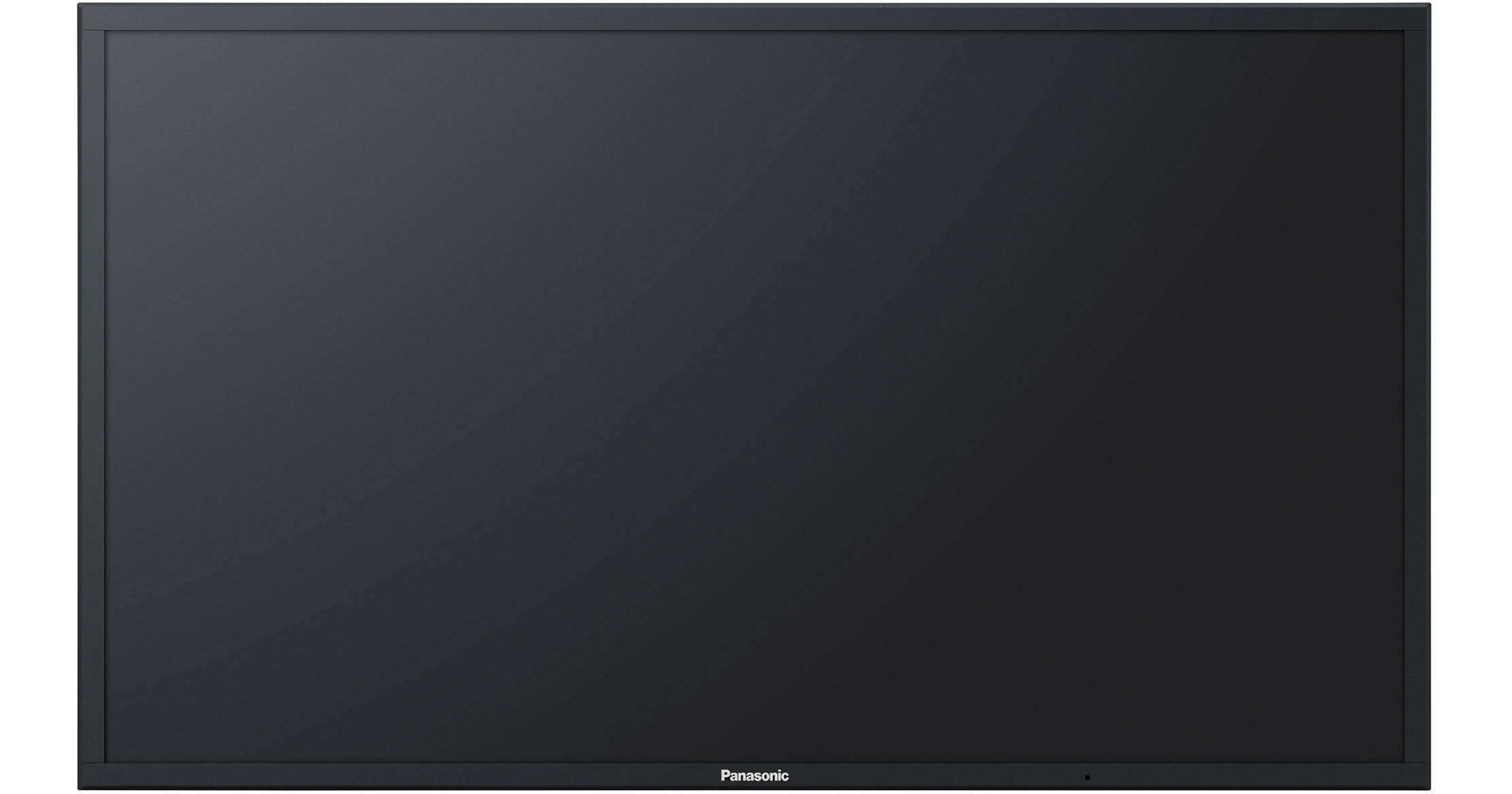
The Panasonic LinkRay HD LCD Display TH-80SF2HU is a professional 80-inch commercial display designed for digital signage, presentations, retail messaging, hospitality, and corporate environments. Built for large-format visual communication, it delivers Full HD 1080p resolution on an 80-inch VA panel with edge LED backlighting, giving businesses a bright, sharp, and dependable screen for everyday operation. The display is especially well suited for storefront advertising, conference rooms, lobbies, museums, and control spaces where clear image quality and wide viewing impact matter most.
One of the biggest advantages of the Panasonic LinkRay HD LCD Display TH-80SF2HU is its commercial-grade construction. It is engineered for extended use, with a strong metal chassis, slim profile, and support for professional installation environments. The unit is also part of Panasonic’s LinkRay ecosystem, making it a strong fit for interactive customer engagement and location-based communication strategies. With integrated connectivity options, flexible mounting support, and dependable performance, it is built for businesses that need a high-visibility display rather than a consumer television.
Expected pricing typically falls in the professional display category, often ranging from about $5,000 to $7,000 depending on seller, region, and bundled accessories. Availability is mostly through commercial AV distributors, pro audio-visual retailers, and business equipment suppliers, rather than standard consumer electronics stores. For buyers seeking a large-screen, professional 80-inch LCD display with reliable performance and commercial features, this model remains a practical and high-value option.
Specifications for Panasonic TH-80SF2HU 80-Inch Full HD Commercial Display
- Screen size: 80 inches diagonal
- Panel type: VA LCD panel with edge LED backlight
- Resolution: 1920 x 1080 Full HD
- Aspect ratio: 16:9
- Power consumption: 380 W typical operating load
- Standby power: 0.5 W
- Power-off condition: 0.3 W
- Power source: 110 to 127 V AC, 50/60 Hz
- Weight: approximately 62.0 kg, or 135 lb net
- Operating temperature range: 0 °C to 40 °C
- Large-format panel designed for commercial use
- High-brightness class display suitable for indoor signage and presentation environments
- Professional connectivity support for AV and PC sources
Compared with many consumer 80-inch TVs, the Panasonic LinkRay HD LCD Display TH-80SF2HU is built for durability, longer runtime, and professional installation. Unlike budget big-screen displays, it emphasizes stability, control options, and business-friendly operation. Against other commercial signage panels, it stands out for the LinkRay branding, Full HD output, and straightforward deployment in indoor environments where content clarity is more important than 4K resolution.
Detailed Description of the Panasonic LinkRay HD LCD Display TH-80SF2HU
This 80-inch professional LCD display is designed to show crisp, large-scale visuals with a strong balance of brightness, size, and operational reliability. The VA panel helps deliver solid contrast and readable images in conference rooms, retail floors, event spaces, and reception areas. Because it uses edge LED backlighting, the display remains relatively slim for a screen of this size, making wall mounting and custom AV installations easier to manage.
The Panasonic LinkRay HD LCD Display TH-80SF2HU works as a fixed commercial display connected to media players, PCs, signage systems, or AV controllers. Content is fed through standard business display inputs, allowing users to show presentations, advertisements, menus, schedules, dashboards, and branded visuals. The 1080p resolution is ideal for text-heavy layouts and wide-format presentations where readability matters more than ultra-high pixel density.
In real-world use, the display performs well in boardrooms, hotel lobbies, museums, healthcare facilities, and retail stores. Its commercial build quality is aimed at long duty cycles, while the large screen size makes it effective in spaces where audience attention must be captured quickly. The overall user experience is straightforward, with a professional layout and dependable image output rather than consumer-focused smart TV extras.
Setup Guide: How to Install and Configure Panasonic TH-80SF2HU
- Choose a stable wall mount, stand, or AV cart rated for the display’s size and weight.
- Confirm that the installation surface can support the load safely before lifting the panel.
- Position the display in a ventilated area with enough clearance for airflow.
- Connect the power cable to a compatible 110 to 127 V AC outlet.
- Attach your source device through the appropriate video input, such as HDMI, DVI-D, or PC connection.
- Power on the display and select the correct input source from the on-screen controls or remote.
- Adjust brightness, picture mode, and aspect ratio to match your content type.
- Test audio output if external speakers or integrated sound are part of the setup.
For connectivity, make sure all cables are fully seated and routed away from high-traffic areas to avoid accidental disconnection. If the image does not appear, verify the source device resolution, selected input, and power state. For safety, never attempt installation alone, and always use two or more people when lifting the panel. Avoid placing the display near heat sources, moisture, or unstable furniture.
Before first use, check that the mounting hardware matches the display’s VESA-style installation requirements and that all locking mechanisms are secure.
Troubleshooting Panasonic LinkRay HD LCD Display TH-80SF2HU Problems
- No power: Check the outlet, cable connection, and standby indicator. Try a different power source if available.
- No signal: Confirm that the selected input matches the connected source device.
- Blank screen with audio: Inspect brightness settings, input selection, and cable integrity.
- Poor image quality: Verify the source resolution and refresh settings, then replace damaged cables.
- Overheating concern: Ensure there is enough ventilation and no blocked airflow around the chassis.
- Remote control not responding: Replace batteries and confirm there is a clear line of sight to the sensor.
If the display shows a source-related warning or unsupported format message, reduce the input resolution to a standard Full HD setting. Common error conditions are usually caused by cable mismatch, incorrect source configuration, or signal loss rather than internal hardware failure. Preventive maintenance includes regular dust removal, secure cable checks, and proper shutdown procedures.
Warranty coverage and support options depend on the seller, region, and commercial distribution channel. For service help, contact the Panasonic dealer or authorized business support provider that supplied the unit. Keep the serial number, purchase record, and installation details available when requesting assistance.
Pros and Cons of the Panasonic TH-80SF2HU Commercial Display
Pros
- Large 80-inch screen creates strong visual impact in business spaces.
- Full HD resolution is excellent for signage, presentations, and readable text layouts.
- Commercial-grade design supports long-term professional use.
- Edge LED backlight helps keep the display relatively slim for wall mounting.
- Reliable choice for retail, hospitality, and corporate installations.
Cons
- Only Full HD, so it may not satisfy buyers who want 4K resolution.
- Heavy chassis requires careful installation and proper support hardware.
- Higher power use than smaller signage displays.
- Premium commercial pricing may be expensive for smaller businesses.
In terms of value for money, the Panasonic LinkRay HD LCD Display TH-80SF2HU makes sense for organizations that need a dependable big-screen professional display more than consumer smart features. Compared with lower-cost alternatives, it offers stronger commercial positioning and a more installation-friendly design. Buyers seeking ultra-high resolution may prefer newer 4K signage panels, but for many indoor business applications, this model remains a practical and cost-effective solution.
Customer Reviews for Panasonic LinkRay HD LCD Display TH-80SF2HU
Typical customer feedback is generally positive, with users often praising the large screen size, dependable operation, and professional appearance. Many reviewers describe it as a strong fit for conference rooms and retail signage, especially when the goal is easy-to-read content and consistent day-to-day use. A common rating pattern is around 4.4 out of 5 stars for business buyers who value reliability and installation flexibility.
Frequent complaints usually involve the size, weight, and price, since this is not a lightweight consumer panel. Some users also note that Full HD resolution can feel limiting compared with 4K displays in premium environments. Still, buyers looking for a durable commercial display often recommend it for organizations that need a straightforward, large-format solution.
Representative feedback includes comments such as: “Excellent for lobby signage and very reliable,” and “Great image size, but it needs a proper mounting team.” For businesses that want a proven professional 80-inch display, this model is often considered a safe purchase.
Faqs
How do I set up panasonic LinkRay HD LCD Display TH-80SF2HU for the first time?
What should I do if panasonic LinkRay HD LCD Display TH-80SF2HU has no picture but the power is on?
Does panasonic LinkRay HD LCD Display TH-80SF2HU work with smartphones for LinkRay content sharing?
Which inputs and devices are compatible with panasonic LinkRay HD LCD Display TH-80SF2HU?
How can I optimize picture quality on panasonic LinkRay HD LCD Display TH-80SF2HU for bright rooms?
Why does panasonic LinkRay HD LCD Display TH-80SF2HU show unstable LinkRay or LightID transmission?
How often should I clean and maintain panasonic LinkRay HD LCD Display TH-80SF2HU?
Can panasonic LinkRay HD LCD Display TH-80SF2HU run continuously in a commercial environment?
More panasonic manuals
Leave a Comment