
Philips 50PUT6800 Ultra HD TV User Manual
Content
Philips 50PUT6800 Ultra HD TV Manual and Product Overview
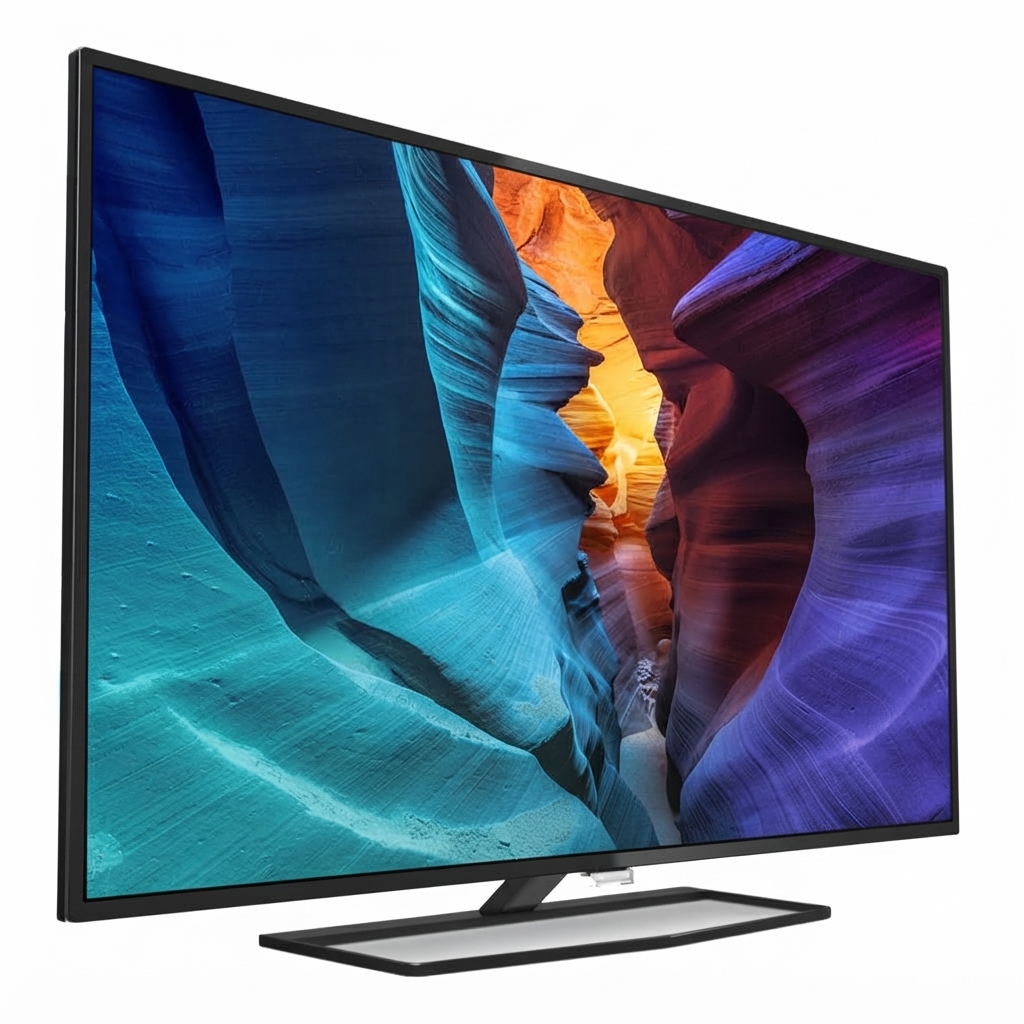
The Philips 50PUT6800 Ultra HD TV is a 50-inch 4K UHD LED television designed for viewers who want a large-screen smart TV experience with sharp detail, broad connectivity, and everyday reliability. This model features a 3840 x 2160 resolution, a 16:9 aspect ratio, 300 cd/m² brightness, and 20W RMS audio output, making it suitable for movies, sports, gaming, and streaming in living rooms or medium-sized entertainment spaces.
One of the key strengths of the Philips 50PUT6800 Ultra HD TV is its balanced feature set. With four HDMI ports, three USB ports, built-in Wi-Fi, Ethernet LAN, optical audio out, and Android-powered smart functionality, it offers flexible setup options for consoles, soundbars, media players, and external storage. Picture enhancements such as Pixel Plus Ultra HD, Natural Motion, Micro Dimming Pro, and Ultra Resolution help improve clarity and motion handling for 4K content.
This TV is a practical choice for families, casual gamers, and users who want a dependable Ultra HD display without moving into premium pricing. The estimated price range for this model, depending on region, condition, and seller, is typically in the budget-to-midrange segment, often found through older stock, local retailers, or refurbished listings. Availability may vary since this is an earlier-generation model, but replacement accessories, manuals, and support resources remain accessible through Philips product support channels.
Troubleshooting Common Philips 50PUT6800 Ultra HD TV Problems
If the Philips 50PUT6800 Ultra HD TV does not power on, first check the wall outlet, power cable, and remote batteries. If the screen stays black but the standby light is on, disconnect the TV from power for 60 seconds, then restart it and verify the correct input source. For no sound, confirm that mute is off, volume is raised, and external audio devices are correctly connected through HDMI ARC or optical output.
Common on-screen issues such as “No Signal,” “Unsupported Format,” or HDMI handshake problems are often fixed by reseating cables, switching HDMI ports, or adjusting the source device output to 1080p or 4K at 60Hz where supported. If the TV freezes or apps fail to load, clear app cache, restart the set, or perform a software reset through the settings menu. Preventive care includes keeping firmware updated, using certified HDMI cables, and ensuring proper ventilation around the TV.
Warranty coverage and service availability depend on the country and seller. For help, users should contact Philips Customer Support through the official Philips support portal, the product manual, or the local authorized service center listed for their region.
Pros and Cons of the Philips 50PUT6800 Ultra HD TV
Pros
- Sharp 4K Ultra HD resolution delivers detailed images for streaming, sports, and console gaming.
- Four HDMI ports and three USB ports make it easy to connect multiple devices at once.
- Android smart TV platform provides access to apps, online video, and wireless networking.
- Picture processing features such as Pixel Plus Ultra HD and Micro Dimming Pro improve everyday viewing.
- Good value for buyers seeking a large-screen 4K TV without premium pricing.
Cons
- 300 cd/m² brightness is adequate for typical rooms but not ideal for very bright sunlight-heavy spaces.
- 20W built-in audio is serviceable, yet external speakers or a soundbar improve movie performance.
- As an older model, it may lack some newer smart TV features found in current alternatives.
- Performance is solid for general use, but faster and newer televisions may offer smoother app navigation.
Compared with newer midrange 50-inch 4K televisions, this Philips model offers strong core specifications and flexible connectivity, though it may not match modern competitors in app speed, brightness, or advanced gaming features. For buyers focused on value, the Philips 50PUT6800 Ultra HD TV remains a sensible choice.
Customer Reviews for Philips 50PUT6800 Ultra HD TV
Typical customer feedback for the Philips 50PUT6800 Ultra HD TV trends positive for picture quality, screen size, and practical features. Many users rate it around 4 out of 5 stars, especially appreciating the crisp 4K display and easy connection to streaming devices and game consoles. Buyers often praise the TV for being a strong value purchase in the 50-inch class.
Common complaints usually focus on average built-in speakers, occasional smart TV sluggishness, and the fact that this is not a premium flagship model. Reviewers also mention that setup is straightforward, but pairing the TV with a soundbar delivers a much better entertainment experience. For users who want a dependable Ultra HD screen for everyday viewing, the Philips 50PUT6800 Ultra HD TV is frequently recommended as a practical buy.
Faqs
How do I set up the philips 50PUT6800 Ultra HD TV for the first time?
Why is my philips 50PUT6800 Ultra HD TV not finding Wi‑Fi during setup?
What picture settings should I use on the philips 50PUT6800 Ultra HD TV for movies and gaming?
How do I fix no sound on the philips 50PUT6800 Ultra HD TV?
Can the philips 50PUT6800 Ultra HD TV connect to a soundbar, game console, and streaming device at the same time?
How can I improve streaming performance on the philips 50PUT6800 Ultra HD TV?
How do I update the software on the philips 50PUT6800 Ultra HD TV?
What is the best way to clean and maintain the philips 50PUT6800 Ultra HD TV?
More philips manuals
Leave a Comment