
Aukey DR02-D Dual Dash Camera User Manual
Content
AUKEY DR02-D Dual Dash Camera Manual and Product Overview
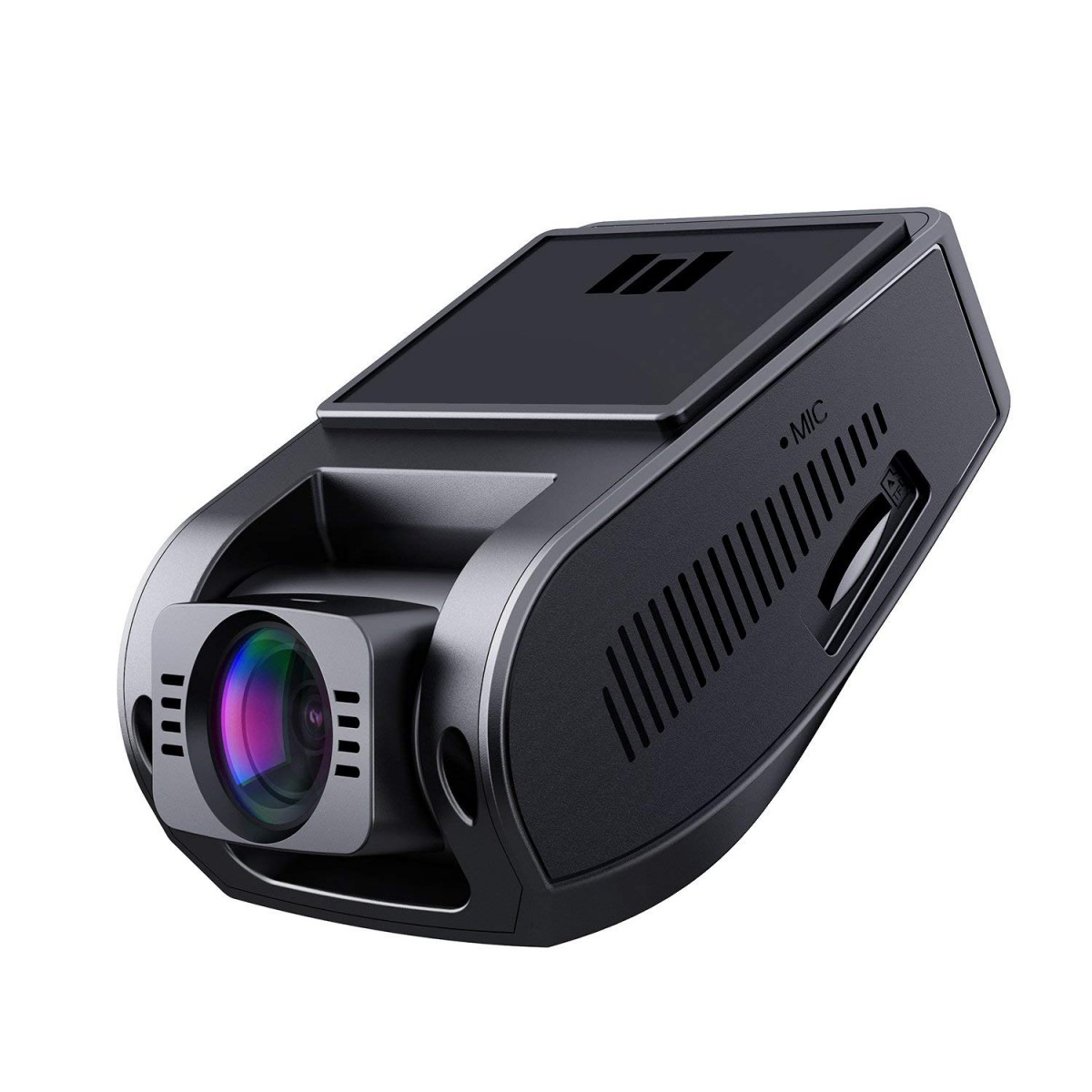
The AUKEY DR02-D Dual Dash Camera is a compact front-and-rear dash cam system designed to capture everyday driving, roadside incidents, and parking events in clear Full HD. It uses Sony Exmor IMX307 image sensors, a 170° front lens, a 152° rear lens, and 1080p recording at 30fps on both cameras for balanced coverage and dependable detail. The 1.5-inch LCD screen makes setup and playback straightforward, while loop recording, motion detection, time-lapse, and emergency recording provide practical protection for commuting, rideshare driving, family cars, and fleet use.
This dual-channel dash cam is a strong fit for drivers who want a simple, hardwired-or-cigarette-lighter-powered camera with wide-angle coverage and night-friendly imaging. Its HDR-style low-light performance, gravity sensor, and support for microSD cards up to 128GB make it useful for long drives and daily use. The AUKEY DR02-D Dual Dash Camera typically sits in the budget-to-midrange price bracket, often found around $60 to $120 depending on seller, bundle, and availability. It is commonly available through online marketplaces and electronics retailers, though stock can vary because this model is older and may be listed as refurbished, renewed, or clearance inventory.
Troubleshooting AUKEY DR02-D Dual Dash Camera Issues
If the camera will not power on, first confirm the car charger is fully seated, the vehicle accessory socket is active, and the micro USB cable is not damaged. If recording stops unexpectedly, format the microSD card in the camera and use a Class 10 card rated for up to 128GB. If the screen shows file or card errors, back up important clips, replace the card if needed, and reformat before reuse. There are no widely documented user-facing error codes for this model, so most warnings are storage-related rather than numeric fault codes.
For blurred video, clean both lenses and check that the front and rear cameras are mounted securely. If the rear camera is not detected, inspect the rear cable connection and avoid pinching the wire during installation. To prevent future problems, update settings carefully, reformat the card every few weeks, and keep the unit out of extreme heat when parked. Warranty coverage and support depend on the seller and region, so buyers should check the original retailer listing, order confirmation, or product box for support terms. For help, contact the seller’s customer service or the marketplace support channel where the AUKEY DR02-D Dual Dash Camera was purchased.
Pros and Cons of the AUKEY DR02-D Dual Dash Camera
Pros
- Dual 1080p recording gives full front-and-rear coverage for accident evidence and parking incidents.
- Sony image sensors and wide-angle lenses help capture lane width, tailgaters, and roadside detail.
- Compact design and 1.5-inch LCD make it easy to install and operate in smaller vehicles.
- Loop recording, motion detection, time-lapse, and emergency recording add real-world usefulness.
- Good value for money for drivers who want a basic dual dash cam without premium pricing.
Cons
- No advanced features such as built-in GPS or Wi‑Fi on the standard DR02-D configuration.
- The small screen is practical, but not ideal for detailed on-device playback or menu navigation.
- Older model availability can be inconsistent compared with newer dash cam alternatives.
- Video quality is solid for the class, but newer 2K and 4K competitors offer sharper license plate capture.
Compared with newer alternatives, the AUKEY DR02-D Dual Dash Camera is best for buyers who want dependable basics instead of premium app features or higher-resolution video.
Customer Reviews and User Feedback
Customer feedback for the AUKEY DR02-D Dual Dash Camera is generally positive, with many users praising its easy setup, wide coverage, and reliable everyday recording. Typical ratings cluster around 4 out of 5 stars, especially from drivers who value the front-and-rear camera layout and simple controls.
Common praise includes clear daytime footage, decent nighttime performance, and strong value for the price. Frequent complaints mention the small screen, limited feature set, and the fact that the model may be harder to find new today. A typical testimonial sounds like: “It does exactly what I needed for commuting and parking coverage without draining my budget.” Another common comment is: “The rear camera is useful, but I wish the display were bigger.”
For buyers seeking a budget dual dash cam with straightforward operation, this model remains a practical choice. For users who want app connectivity, GPS, or sharper resolution, a newer dash camera may be the better purchase.
Faqs
How do I set up the aukey DR02-D Dual Dash Camera for the first time?
Why is my aukey DR02-D Dual Dash Camera not recording, and how can I fix it?
What microSD card works best with the aukey DR02-D Dual Dash Camera?
How does loop recording work on the aukey DR02-D Dual Dash Camera?
Can the aukey DR02-D Dual Dash Camera record both front and rear footage at the same time?
How do I improve night video quality on the aukey DR02-D Dual Dash Camera?
What should I do if the aukey DR02-D Dual Dash Camera keeps restarting or freezing?
How should I maintain the aukey DR02-D Dual Dash Camera for long-term reliability?
More aukey manuals
Leave a Comment