
Philips BDP2285 Blu-Ray Disc User Manual
Content
Philips BDP2285 Blu-Ray Disc Manual and Product Overview
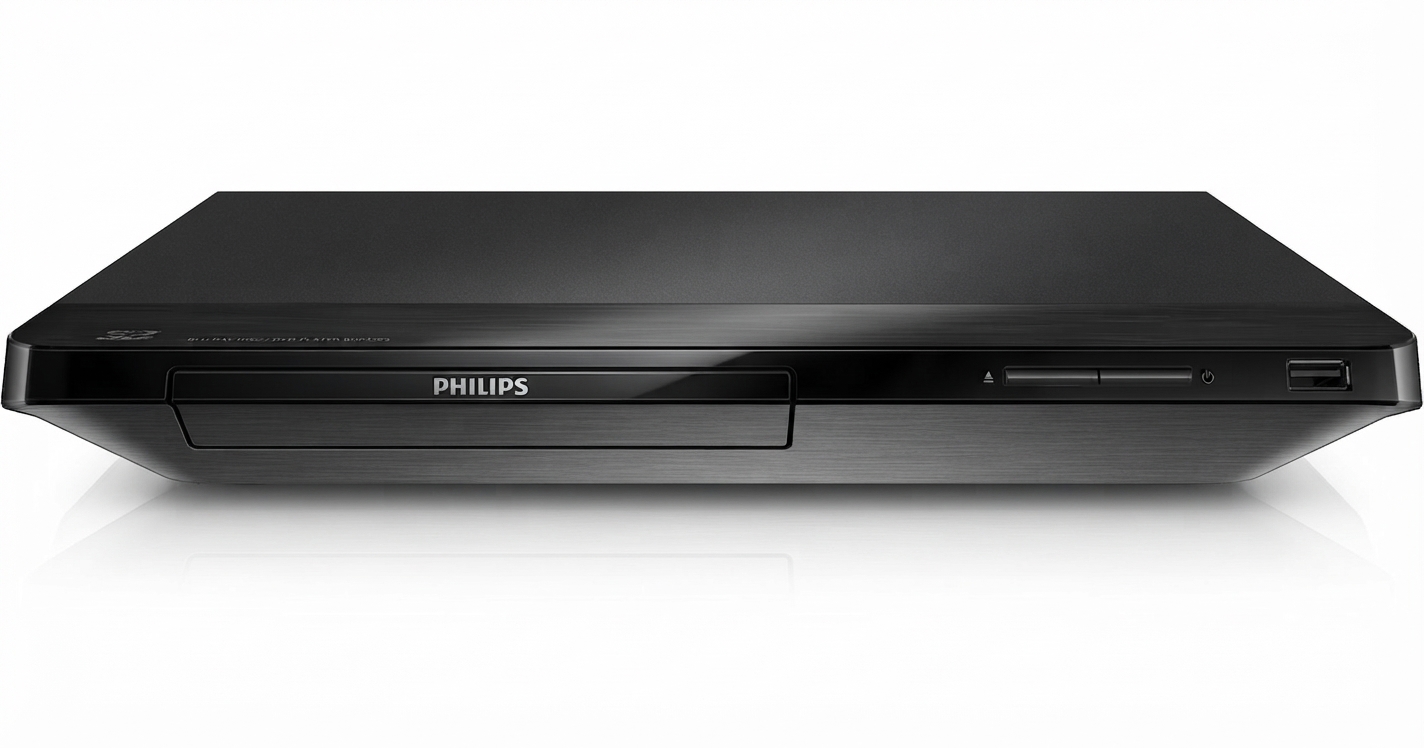
The Philips BDP2285 Blu-Ray Disc player is a compact Blu-ray and DVD player designed for users who want reliable playback, easy connectivity, and strong everyday performance in a simple home entertainment setup. It supports Blu-ray discs, DVDs, CDs, and a wide range of media formats, making it a practical choice for movie lovers who still rely on physical media. With HDMI output, USB 2.0 support, built-in Wi‑Fi on some variants, and support for full HD upscaling, the Philips BDP2285 Blu-Ray Disc delivers a flexible viewing experience for standard and high-definition content.
This model is especially suitable for users who want an affordable disc player for a living room TV, secondary bedroom setup, or media cabinet. It is also a solid pick for those who need region-specific playback support, depending on the market version. Typical technical highlights include PAL/NTSC signal compatibility, 1080p output, low power consumption around 11 W, and a slim, lightweight design that fits easily into most entertainment centers. The player is aimed at budget-conscious buyers who want dependable Blu-ray playback without the complexity of a full streaming system.
In terms of price, the Philips BDP2285 Blu-Ray Disc usually falls in the entry-level to mid-range category, with estimated availability in the approximately $60 to $120 range depending on seller, region, and condition. In some markets, this model is listed as discontinued or limited in stock, so availability may be better through online retailers, marketplace sellers, or remaining local inventory. For users who want a straightforward, compact disc player with essential features and good format support, it remains a practical option.
Pros & Cons of Philips BDP2285 Blu-Ray Disc
Pros
- Supports Blu-ray, DVD, CD, and multiple file formats, making it versatile for mixed media libraries.
- HDMI output with 1080p playback is ideal for sharp viewing on modern HDTVs.
- USB 2.0 support allows playback from flash drives and portable storage devices.
- Low power use makes it efficient for everyday home entertainment.
- Compact body design fits easily into small entertainment spaces.
- Good value for money for buyers who mainly want disc playback rather than smart streaming features.
Cons
- Not a full-featured media hub, so users expecting advanced smart TV apps may prefer a streaming device or a higher-end Blu-ray player.
- Availability can be limited because the model is older and may be discontinued in some regions.
- Feature sets vary by market version, which can make comparisons with alternatives confusing.
- Menu speed and interface design may feel basic compared with newer players from Sony or Panasonic.
Overall, the Philips BDP2285 Blu-Ray Disc offers solid value for buyers who prioritize dependable playback over premium extras. Compared with newer alternatives, it is often cheaper, but it does not always match the app support, faster processing, or modern network features of current flagship models.
Customer Reviews and User Feedback on Philips BDP2285 Blu-Ray Disc
Customer feedback for the Philips BDP2285 Blu-Ray Disc is generally positive, with many users giving it about 4 out of 5 stars for reliable disc playback and simple setup. Buyers frequently praise its compact size, quiet operation, and HDMI picture quality, especially when used for Blu-ray movies and DVD collections.
Common complaints include limited smart features, occasional region-compatibility concerns, and the fact that some versions are harder to find new. A typical user comment is: “Works well for my movie collection, boots up quickly, and plays discs without issues.” Another frequent remark is: “Great value if you only need a basic Blu-ray player, but don’t expect streaming apps or advanced extras.”
For most shoppers, the Philips BDP2285 Blu-Ray Disc is recommended if the goal is simple, reliable playback at a reasonable price. It is a sensible purchase for users replacing an older DVD player or building a low-cost home theater setup.
Philips BDP2285 Blu-Ray Disc Features at a Glance
- Blu-ray Disc and DVD playback
- HDMI output with up to 1080p video support
- USB 2.0 front or side access depending on version
- Support for common video and audio formats
- Compact, lightweight chassis
- Energy-efficient operation for everyday use
Who Should Buy the Philips BDP2285 Blu-Ray Disc?
This player is best for users who want an affordable, no-fuss Blu-ray player for movies, DVDs, and USB media. It is also a good match for households that still maintain physical media libraries and want a compact device with dependable performance. If you need a basic, easy-to-use player with strong core playback features, the Philips BDP2285 Blu-Ray Disc is worth considering.
Faqs
How do I set up philips BDP2285 Blu-Ray Disc for the first time?
Why is my philips BDP2285 Blu-Ray Disc not reading discs correctly?
What video and audio features does philips BDP2285 Blu-Ray Disc support?
Can philips BDP2285 Blu-Ray Disc play DVDs and older disc formats?
How do I improve picture quality on philips BDP2285 Blu-Ray Disc?
What should I do if philips BDP2285 Blu-Ray Disc has no signal on my TV?
How often should I clean and maintain philips BDP2285 Blu-Ray Disc?
Is philips BDP2285 Blu-Ray Disc compatible with home theater systems and soundbars?
More philips manuals
Leave a Comment