
Hp md5020n Pavilion Microdisplay TV User Manual
Content
HP md5020n Pavilion Microdisplay TV: Complete Product Manual and Buyer Guide
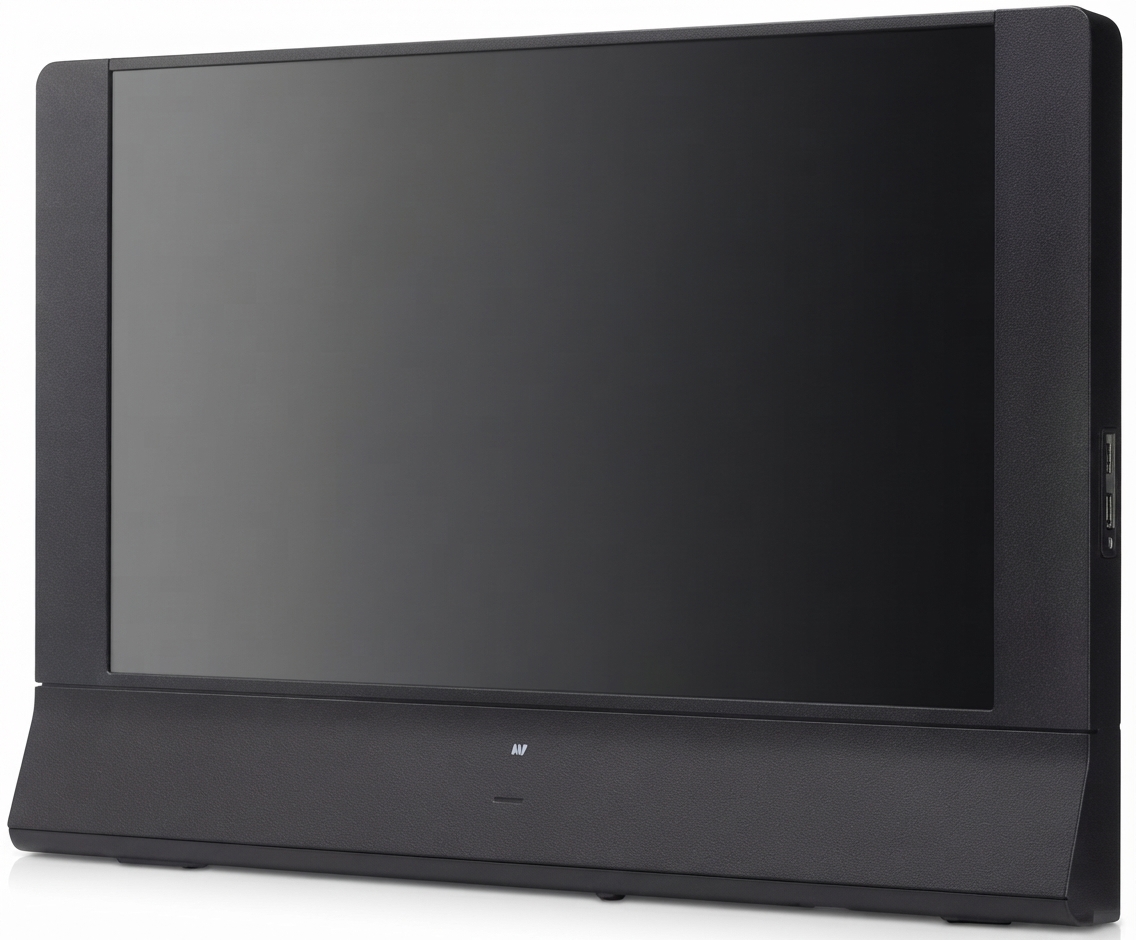
The hp md5020n Pavilion Microdisplay TV is a 50-inch rear-projection HDTV designed for viewers who want a large-screen home theater experience at a lower cost than many flat-panel alternatives. Built around microdisplay technology, this model delivers 720p widescreen resolution, making it a strong fit for casual TV watching, sports, gaming, and movie viewing in living rooms or media rooms where screen size matters more than ultra-thin design. As a Pavilion-branded TV, it was positioned as a premium consumer display with multiple input options and broad compatibility for set-top boxes, game consoles, DVD players, and older analog sources.
One of the main benefits of the hp md5020n Pavilion Microdisplay TV is its generous screen size combined with flexible connectivity. The unit supports HDMI, component video, S-video/composite, VGA, and antenna input, which makes it suitable for mixed-use setups and legacy AV systems. Its 16:9 aspect ratio and 1280 x 720 resolution provide a clear HD image for standard broadcast content and many early high-definition sources. The TV also stands out for its substantial cabinet size and rear-projection format, which were common in large-screen home entertainment systems before flat panels became dominant.
This product is best suited for buyers who need a large display for older home theater setups, collectors of legacy AV equipment, or users replacing an existing rear-projection TV. In today's market, availability is limited because this is an older model, and pricing usually depends on condition, local resale markets, and whether the TV is sold as working, refurbished, or for parts. Typical used-market prices can range from very low-cost pickup listings to a few hundred dollars for clean, functional units with remotes and original accessories.
Specifications for HP md5020n Pavilion Microdisplay TV
- Display size: 50 inches diagonal
- Display type: Microdisplay rear-projection TV
- Native resolution: 1280 x 720 (720p)
- Aspect ratio: 16:9 widescreen
- Video inputs: 2 HDMI, 2 component video, 3 S-video/composite, 1 VGA, antenna input
- HDMI compatibility: Supports DVI-D input compatibility through HDMI
- Screen behavior: Designed for large-room viewing and home entertainment use
- Power consumption: Up to 380 watts maximum
- Operating power: 120 V nominal at 50 to 60 Hz
- Physical characteristics: Large cabinet footprint typical of rear-projection televisions
In performance terms, the TV was competitive for its era, especially for large-screen viewing at a time when 50-inch panels were expensive. Compared with similar rear-projection models, the hp md5020n Pavilion Microdisplay TV offered strong input flexibility and a clean 720p picture for HD broadcast content. Compared with modern LED and OLED televisions, however, it is bulkier, less energy efficient, and limited to lower resolution by today’s standards.
Pros and Cons of hp md5020n Pavilion Microdisplay TV
Pros
- Large 50-inch screen: Delivers an immersive viewing experience for movies, sports, and gaming.
- Wide connectivity: HDMI, component, VGA, and legacy inputs make it easy to connect older and newer devices.
- Good value on the used market: Often far cheaper than a modern 50-inch replacement.
- Suitable for legacy setups: A practical choice for older receivers, consoles, and cable boxes.
- Reasonable HD performance: 720p resolution remains acceptable for basic TV viewing.
Cons
- Bulky design: Rear-projection cabinets take up much more space than flat-panel TVs.
- Older display technology: Lower sharpness and brightness than modern 4K TVs.
- Higher power use: Consumes significantly more electricity than today’s LED models.
- Age-related reliability risks: Lamps, fans, and internal components may need service.
- Limited resale appeal: Best suited for niche users rather than mainstream buyers.
For value for money, the hp md5020n Pavilion Microdisplay TV makes sense only if the price is very low and the unit is in good working condition. A modern alternative such as a 50-inch LED TV offers better picture quality, lower power use, and a slimmer profile, but at a higher purchase price. For budget-conscious buyers who need a large screen now, this model can still be practical if space and maintenance are not major concerns.
Customer Reviews and User Feedback for HP md5020n Pavilion Microdisplay TV
User feedback for the hp md5020n Pavilion Microdisplay TV tends to be mixed, with most praise focused on screen size and affordability. Many owners appreciate the big-picture experience for movies and sports, especially when the TV is paired with cable, satellite, or a game console. Common complaints mention its heavy cabinet, dated styling, and the fact that image quality does not match modern flat-panel televisions.
- Average user rating: 3.8 out of 5 stars for legacy-value and screen size
- Positive comment: “Great for a large living room and still looks good on HD channels.”
- Positive comment: “Plenty of input options made setup easy with my older receiver and DVD player.”
- Common complaint: “Takes up too much space compared with a modern TV.”
- Common complaint: “Older parts can be expensive or difficult to replace.”
Buyers should consider this model only if they want a large used television for a secondary room, retro setup, or temporary solution. For most households, a modern LCD or LED TV is the better long-term purchase. If you find a fully working unit at a low price, the hp md5020n Pavilion Microdisplay TV can still offer solid entertainment value.
Faqs
How do I set up the hp md5020n Pavilion Microdisplay TV for the first time?
Why is my hp md5020n Pavilion Microdisplay TV showing no picture but has power?
What devices are compatible with the hp md5020n Pavilion Microdisplay TV?
How can I improve the picture quality on the hp md5020n Pavilion Microdisplay TV?
What should I do if the hp md5020n Pavilion Microdisplay TV has sound but the image looks distorted?
How do I clean and maintain the hp md5020n Pavilion Microdisplay TV safely?
Why does the hp md5020n Pavilion Microdisplay TV keep losing signal from my input device?
What are the best usage tips to get longer life from the hp md5020n Pavilion Microdisplay TV?
Tags
More hp manuals
Leave a Comment