
Netgear RAX200 Nighthawk Tri-Band AX WiFi Router User Manual
Content
Netgear RAX200 Nighthawk Tri-Band AX WiFi Router Review and Product Manual
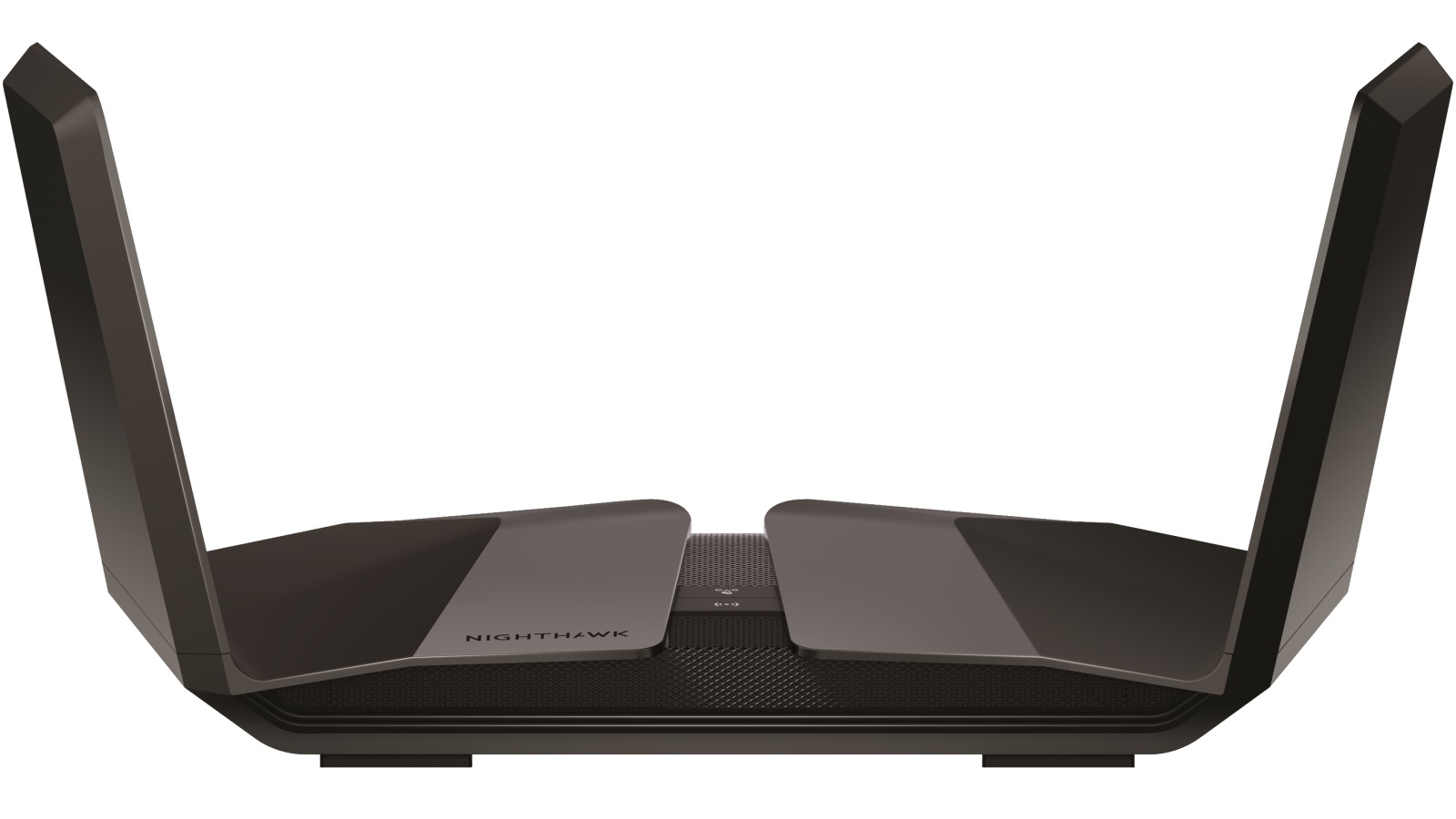
The Netgear RAX200 Nighthawk Tri-Band AX WiFi Router is a premium Wi-Fi 6 router built for users who need fast wireless performance, strong multi-device support, and advanced wired connectivity in one device. With tri-band wireless design, 12-stream architecture, and combined wireless speeds up to 10.8Gbps, it is aimed at large households, gaming setups, 4K and 8K streaming homes, and power users running many connected devices at once. Its 1.8GHz quad-core processor, Smart Connect, Dynamic QoS, and support for multi-gig internet make it a strong fit for demanding networks that need speed and stability.
This router stands out for its two 5GHz bands and one 2.4GHz band, which help reduce congestion and improve performance when many devices are active. It also includes a 2.5G multi-gig port, five additional Gigabit Ethernet ports, USB 3.0 connectivity, and features like Beamforming+, MU-MIMO, link aggregation, and NETGEAR Armor support. The netgear RAX200 Nighthawk Tri-Band AX WiFi Router is especially appealing to users who want a future-ready home network with both high wireless throughput and flexible wired expansion.
In terms of price, the RAX200 has typically sat in the premium range, with original pricing around $599.99 and market availability varying widely by retailer and region. It is still commonly available through major online stores and networking resellers, though pricing may fluctuate significantly depending on stock and promotions. For users comparing high-end Wi-Fi 6 routers, it remains a notable option against other flagship models in the AX11000 class.
Detailed Specifications of the Netgear RAX200 Nighthawk Tri-Band AX WiFi Router
- Wi-Fi standard: Wi-Fi 6 (802.11ax) with tri-band operation for improved device distribution.
- Wireless speed class: AX11000 with combined speeds up to 10.8Gbps.
- Stream count: 12 streams total, including eight 5GHz streams and four 2.4GHz streams.
- Processor: 64-bit 1.8GHz quad-core processor for high-load networking and smooth streaming.
- Ethernet ports: Five Gigabit Ethernet ports plus one 2.5G/1Gbps multi-gig port.
- USB: Dual USB 3.0 ports for storage sharing and peripheral connectivity.
- Key technologies: Smart Connect, Dynamic QoS, Beamforming+, MU-MIMO, link aggregation, guest access, firmware upgrades, parental controls, and security features.
- Coverage focus: Designed for large homes, multi-device environments, and heavy internet usage.
- Performance positioning: Faster and more advanced than many dual-band AX routers, but also larger and more expensive than mainstream Wi-Fi 6 models.
- Comparison note: Compared with similar flagship routers, the RAX200 emphasizes tri-band capacity and multi-gig flexibility rather than compact design or budget pricing.
For benchmark-style positioning, the router is built to handle high-throughput tasks such as 4K streaming, low-latency gaming, and multiple simultaneous downloads. Its tri-band layout helps separate busy devices more effectively than many standard dual-band routers, making it a better fit for busy smart homes and high-density wireless environments.
Pros and Cons of the Netgear RAX200 Nighthawk Tri-Band AX WiFi Router
Pros
- Excellent Wi-Fi 6 performance: The tri-band AX11000 design is ideal for large homes with many connected devices.
- Strong wired connectivity: The 2.5G port and five Gigabit Ethernet ports give it a clear edge for desktop PCs, consoles, and NAS devices.
- High-end hardware: The quad-core processor and 12-stream architecture help maintain stability under heavy traffic.
- Feature-rich setup: Smart Connect, QoS, security tools, and app management add convenience for advanced users.
- Great for gaming and streaming: Handles latency-sensitive and high-bandwidth tasks well in demanding networks.
Cons
- Premium price: It offers strong performance, but the cost is higher than many dual-band Wi-Fi 6 routers.
- Large footprint: The design is not as compact or minimalist as some alternatives.
- Overkill for small homes: Users with modest internet plans or only a few devices may not fully benefit from it.
- Alternatives may be better value: Some competing routers deliver solid Wi-Fi 6 speeds at a lower cost if tri-band and multi-gig are not required.
Overall value for money depends on need. For households that can actually use tri-band Wi-Fi, multi-gig Ethernet, and premium network management, the netgear RAX200 Nighthawk Tri-Band AX WiFi Router offers strong long-term value. For basic browsing and standard streaming, a less expensive AX router may be the smarter purchase.
Customer Reviews for the Netgear RAX200 Nighthawk Tri-Band AX WiFi Router
Customer feedback for the netgear RAX200 Nighthawk Tri-Band AX WiFi Router is mixed but generally positive among power users. Many buyers praise the fast wireless speeds, reliable coverage in large homes, and the convenience of the multi-gig port. Others highlight smooth 4K streaming, strong gaming performance, and easy device management through the Nighthawk app.
Common complaints focus on the high price, occasional setup complexity, and the fact that some users feel the benefits are not fully noticeable without a fast internet plan and many connected devices. Some reviewers also mention that premium routers in this class can be overkill for smaller households.
- Average sentiment: 4.2/5 stars from enthusiast-style buyers and performance-focused users.
- Typical praise: “Fast, stable, and built for a busy home network.”
- Typical complaint: “Great hardware, but the price is hard to justify unless you need every feature.”
- Recommendation: Best for gamers, streamers, and smart homes with many devices.
- Not ideal for: Small apartments, light internet usage, or budget-conscious buyers.
If you want a high-end tri-band Wi-Fi 6 router with premium wired options, the netgear RAX200 Nighthawk Tri-Band AX WiFi Router remains a strong choice for demanding home networks.
Faqs
How do I set up the netgear RAX200 Nighthawk Tri-Band AX WiFi Router for the first time?
Why is my netgear RAX200 Nighthawk Tri-Band AX WiFi Router not getting internet after setup?
What makes the netgear RAX200 Nighthawk Tri-Band AX WiFi Router different from a regular dual-band router?
Is the netgear RAX200 Nighthawk Tri-Band AX WiFi Router compatible with older WiFi devices?
How can I improve WiFi speed and coverage on the netgear RAX200 Nighthawk Tri-Band AX WiFi Router?
How do I access advanced settings on the netgear RAX200 Nighthawk Tri-Band AX WiFi Router?
What should I do if the netgear RAX200 Nighthawk Tri-Band AX WiFi Router keeps dropping connections?
How often should I maintain the netgear RAX200 Nighthawk Tri-Band AX WiFi Router, and what care does it need?
More netgear manuals
Leave a Comment