
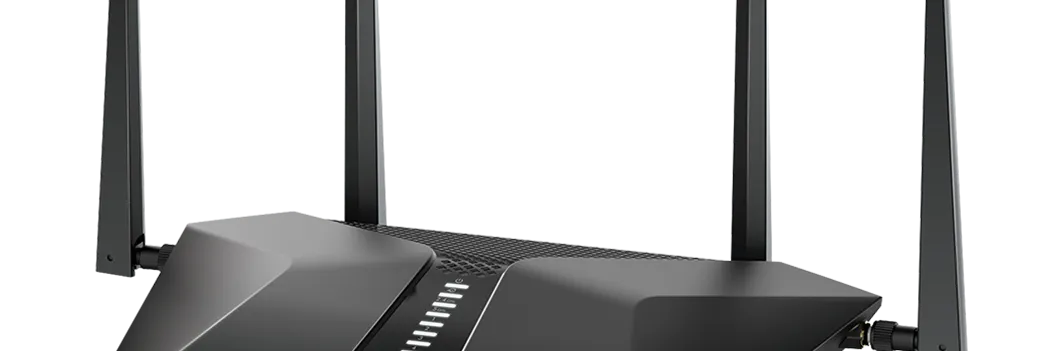
Netgear RAX45 Nighthawk AX6 WiFi Router User Manual
Content
Netgear RAX45 Nighthawk AX6 WiFi Router: Complete Product Manual and Review
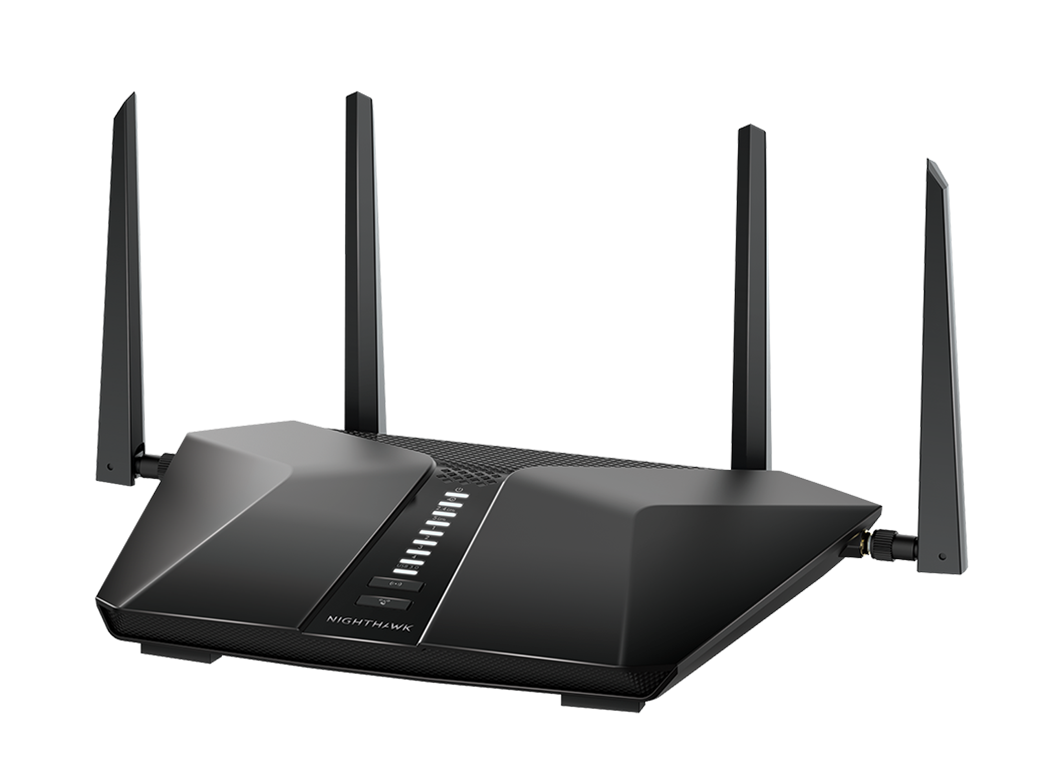
The Netgear RAX45 Nighthawk AX6 WiFi Router is a dual-band WiFi 6 router designed to deliver faster wireless performance, stronger multi-device handling, and better overall efficiency for modern homes. As an AX4300 class router, it combines 2.4GHz and 5GHz WiFi 6 bands with a 6-stream design, making it a strong fit for streaming, 4K video, online gaming, smart home devices, and large households that need reliable coverage. The Netgear RAX45 Nighthawk AX6 WiFi Router also includes a powerful triple-core processor, OFDMA support, 160MHz channel support, and a USB 3.0 port, all of which help improve responsiveness and file-sharing flexibility.
This model is especially appealing to users upgrading from older WiFi 5 routers who want better speed consistency and reduced congestion in busy networks. It supports backward compatibility with 802.11a/b/g/n/ac devices, so older laptops, phones, and smart devices can still connect without issues. In real-world use, the router is best suited for medium to large homes, households with many connected devices, and users who want a feature-rich router without stepping into premium mesh or enterprise hardware.
Pricing typically falls in the mid-range consumer router category, with availability varying by retailer, region, and sales period. In many markets, it is commonly found in the approximate range of $150 to $250, depending on whether it is sold new, refurbished, or bundled through a retail partner. For shoppers comparing WiFi 6 routers, the Netgear RAX45 Nighthawk AX6 WiFi Router offers a strong balance of speed, features, and brand recognition.
Netgear RAX45 Nighthawk AX6 WiFi Router Specifications and Key Features
- WiFi standard: WiFi 6 (802.11ax) dual-band networking
- Class rating: AX4300 combined wireless throughput
- 2.4GHz band: 2x2 design, up to 480Mbps
- 5GHz band: 4x4 design, up to 3840Mbps
- Channels: Supports 20/40/80/160MHz operation on 5GHz
- Key efficiency technology: OFDMA for improved capacity and reduced congestion
- Processor: Triple-core processor for better multitasking and traffic handling
- Memory: 256MB flash and 512MB RAM
- Ports: 5 Gigabit Ethernet ports total, including 1 WAN and 4 LAN
- USB: 1 USB 3.0 port for storage or sharing functions
- Backward compatibility: Works with older WiFi standards including ac, n, g, b, and a
- Physical size: 11.65 x 8.11 x 2.25 inches
- Weight: About 1.25 lb
Compared with entry-level WiFi 6 routers, the Netgear RAX45 Nighthawk AX6 WiFi Router stands out for its 4x4 5GHz radio design and 160MHz support, which can improve throughput for compatible devices. Against similarly priced competitors such as the ASUS RT-AX58U, it offers a comparable class of performance but is often favored for its straightforward setup and recognizable Nighthawk feature set.
Pros and Cons of the Netgear RAX45 Nighthawk AX6 WiFi Router
Pros
- Strong WiFi 6 performance: The AX4300 rating and 6-stream design help reduce bottlenecks in busy homes.
- Excellent for multiple devices: OFDMA and the triple-core processor improve handling of streaming, gaming, and smart home traffic at the same time.
- Fast wired connectivity: Four LAN ports and one WAN port make it easy to connect PCs, consoles, and media devices.
- USB 3.0 support: Useful for basic network storage or printer sharing.
- Good value for feature set: It delivers many premium router features without the cost of higher-end mesh systems.
Cons
- Not ideal for very large homes: A mesh system may be a better choice for multi-floor coverage or thick walls.
- Performance depends on client devices: To fully benefit from WiFi 6 and 160MHz channels, connected devices must also support them.
- Basic USB functionality: The USB port is helpful, but it is not a replacement for a dedicated NAS.
- Premium alternatives offer more: Higher-end routers may provide stronger range, more advanced software features, or multi-gig ports.
For most households, the Netgear RAX45 Nighthawk AX6 WiFi Router offers solid value for money because it combines good wireless speed, dependable wired ports, and modern WiFi 6 features in one package. Users who want stronger whole-home coverage or more advanced networking tools may want to compare it with mesh systems or newer premium routers.
Customer Reviews for the Netgear RAX45 Nighthawk AX6 WiFi Router
Customer feedback for the Netgear RAX45 Nighthawk AX6 WiFi Router is generally positive, with many users praising its easy setup, fast 5GHz performance, and reliable day-to-day operation. A common rating pattern seen across retail and review platforms is around 4.3 out of 5 stars, suggesting that most buyers are satisfied with the router’s value and features.
- Common praise: “Fast speeds on WiFi 6 devices and much better than my old router.”
- Common praise: “Handles streaming and gaming well even with several devices connected.”
- Common complaint: “Coverage is good, but not enough for very large homes without help from extenders or mesh.”
- Common complaint: “Advanced settings may feel limited compared with enthusiast-grade routers.”
Typical user rating: 4.3/5 stars
Recommended for shoppers who want a balanced WiFi 6 router for a home office, family streaming, and everyday gaming. Buyers needing whole-home mesh coverage or advanced network customization should compare alternatives before purchasing the Netgear RAX45 Nighthawk AX6 WiFi Router.
Frequently Asked Questions About the Netgear RAX45 Nighthawk AX6 WiFi Router
Is the Netgear RAX45 Nighthawk AX6 WiFi Router good for gaming?
Yes, it is a strong option for casual and competitive gaming when paired with a fast internet plan and a wired Ethernet connection for the main gaming device.
Does it support older devices?
Yes, it is backward compatible with WiFi 5 and older standards, so most legacy devices can connect normally.
Is it worth buying in 2026?
Yes, for users who want a reliable WiFi 6 router with strong core features and mid-range pricing, it remains a practical choice.
Faqs
How do I set up the netgear RAX45 Nighthawk AX6 WiFi Router for the first time without losing internet access?
Why is my netgear RAX45 Nighthawk AX6 WiFi Router slow even though my internet plan is fast?
What devices are compatible with the netgear RAX45 Nighthawk AX6 WiFi Router, and do I need special hardware?
How can I fix frequent disconnects on the netgear RAX45 Nighthawk AX6 WiFi Router?
What features of the netgear RAX45 Nighthawk AX6 WiFi Router help improve home network performance?
How do I optimize the netgear RAX45 Nighthawk AX6 WiFi Router for gaming and 4K streaming?
What should I check before resetting the netgear RAX45 Nighthawk AX6 WiFi Router to factory settings?
How often should I update and maintain the netgear RAX45 Nighthawk AX6 WiFi Router for reliable performance?
More netgear manuals
- Netgear Nighthawk AX8 8-Stream WiFi Extender EAX80 User Manual
- Netgear RAX200 Nighthawk Tri-Band AX WiFi Router User Manual
- Netgear AX6 Nighthawk WiFi Router RAX50 User Manual
- Netgear RBSE960 Orbi WiFi 6E System User Manual
- Netgear Orbi 5G WiFi Mesh System NBR750 User Manual
- Netgear EX7300 Nighthawk X4 WiFi Mesh User Manual
Leave a Comment