
Netgear RBR350 Dual-band Mesh System User Manual
Content
NETGEAR Orbi RBR350 Dual-band Mesh System Overview
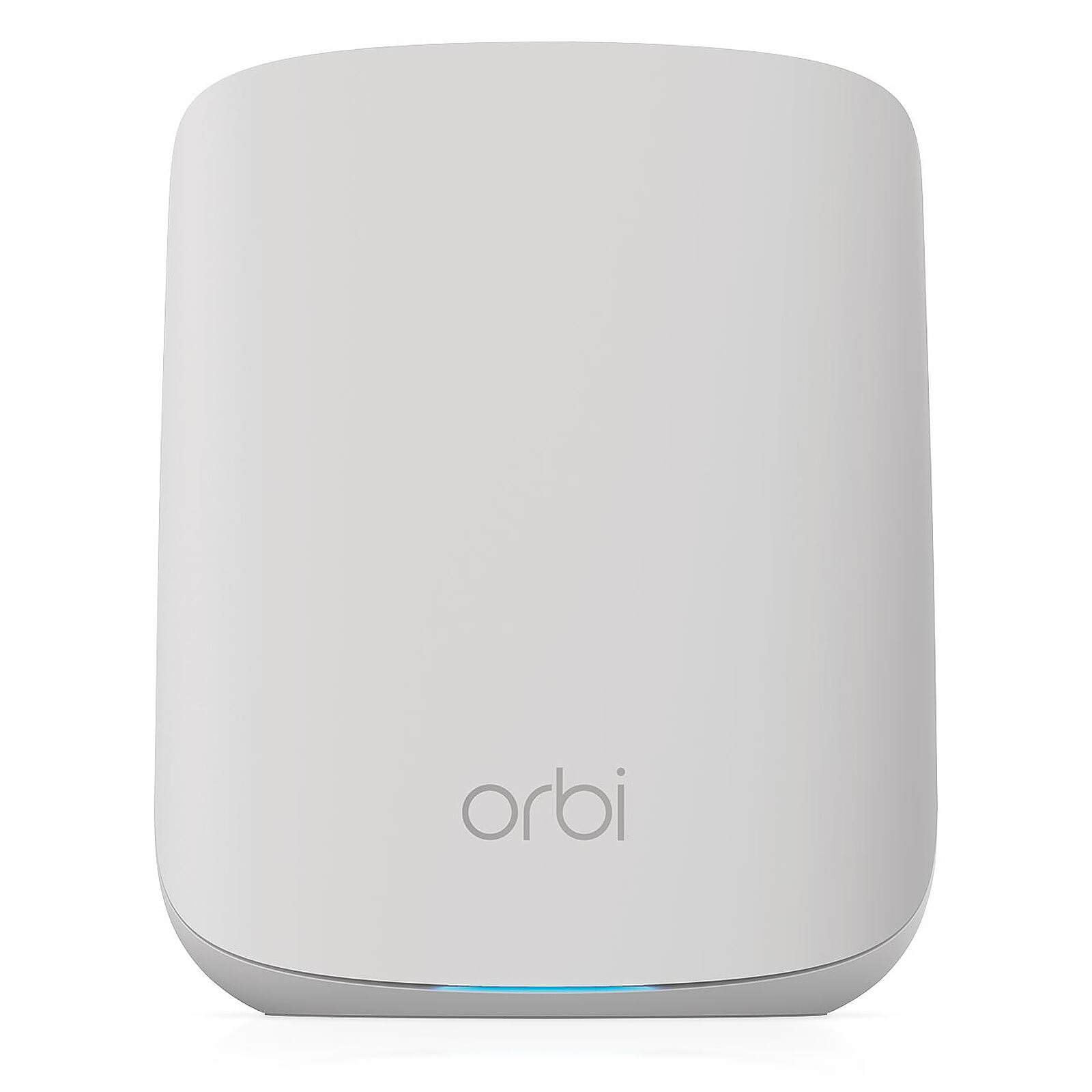
The netgear RBR350 Dual-band Mesh System is a Wi-Fi 6 mesh router built for homes that need stronger coverage, simpler management, and smoother performance across multiple devices. Designed for small to medium-sized households, this Orbi model combines AX1800 speeds, dual-band Wi-Fi, and a compact three-port Gigabit design to help reduce dead zones and improve streaming, browsing, and video calling. It supports up to 25 devices and is rated for coverage up to 160 sq. m., making it a practical choice for apartments, townhomes, and single-story homes that struggle with inconsistent Wi-Fi.
One of the biggest strengths of the netgear RBR350 Dual-band Mesh System is its balance of performance and ease of use. It uses Wi-Fi 6 on both 2.4 GHz and 5 GHz bands, with speeds of up to 600 Mbps on 2.4 GHz and 1200 Mbps on 5 GHz, helping deliver a combined AX1800-class connection. It also includes a Gigabit WAN port and three Gigabit LAN ports, which is useful for wired gaming consoles, desktop PCs, and smart TVs.
For buyers comparing mesh Wi-Fi systems, the RBR350 sits in an affordable mid-range category. The estimated price range is typically around $120 to $200 for the router or entry system, depending on region, seller, and whether additional satellites are included. It is widely available through major online retailers and NETGEAR support channels. This makes the netgear RBR350 Dual-band Mesh System a good fit for users who want reliable whole-home Wi-Fi without stepping into premium tri-band pricing.
Technical Specifications and Key Features
- Wi-Fi standard: Wi-Fi 6 (802.11ax) with dual-band operation on 2.4 GHz and 5 GHz
- Class: AX1800 mesh router
- Theoretical speeds: up to 600 Mbps on 2.4 GHz and up to 1200 Mbps on 5 GHz
- Coverage: up to 160 sq. m. in supported home layouts
- Device support: up to 25 connected devices
- Ports: 1 Gigabit WAN port and 3 Gigabit LAN ports
- Dimensions: 143 x 178 x 60 mm
- Weight: 495 g
- Processor: 1.8 GHz class CPU
- Memory: 512 MB RAM and 512 MB flash storage
- Security: WPA3 support, guest networking, and mesh-based roaming
- Best use cases: streaming, smart homes, web browsing, video meetings, and casual gaming
Compared with entry-level mesh competitors, the netgear RBR350 Dual-band Mesh System offers stronger wired connectivity and Wi-Fi 6 efficiency, but it does not include the extra backhaul flexibility of premium tri-band systems. It is best viewed as a performance-focused home mesh router rather than a high-end enterprise solution. For users who need more capacity, tri-band Orbi models or higher-tier mesh kits may offer better heavy-load performance, but at a higher price.
Pros and Cons of the netgear RBR350 Dual-band Mesh System
Pros
- Reliable Wi-Fi 6 performance for everyday home networking
- Compact design that fits easily into shelves, desks, or media cabinets
- Four total Gigabit Ethernet ports for flexible wired connections
- Good value for users who want mesh coverage without paying premium tri-band prices
- Easy setup and management through the Orbi ecosystem
- Strong choice for streaming in HD, remote work, and smart-home devices
Cons
- Dual-band design can be less efficient than tri-band mesh systems under heavy network load
- Coverage is suitable for smaller homes, but larger properties may need extra satellites
- Not ideal for households with many power users, large file transfers, or heavy 4K/8K streaming across many rooms
- Value for money is strongest when purchased as a bundle rather than as a single router upgrade
In value terms, the netgear RBR350 Dual-band Mesh System is strongest for buyers who want stable coverage and simple setup at a moderate price. If the priority is maximum performance for a large house, a tri-band alternative or a more advanced Orbi model may be the better long-term investment.
Customer Reviews and Real-World Feedback
Customer feedback for the netgear RBR350 Dual-band Mesh System is generally positive, with many users highlighting easier setup, improved signal consistency, and better coverage in rooms that previously had weak Wi-Fi. A common praise point is how well it handles everyday tasks like streaming, video calls, and browsing without frequent dropouts.
Typical ratings from buyers often land around 4 out of 5 stars. One recurring comment is that the system performs especially well in apartments and smaller homes, while some users note that speed can dip when several devices are active at once. Common complaints include the lack of tri-band backhaul and the need to add satellites for larger properties.
- Average sentiment: 4/5 stars
- Praise: stable mesh coverage, easy app-based setup, strong wired ports
- Complaint: less impressive performance in large or congested homes
- Best for: families, remote workers, and users upgrading from basic routers
For most households needing dependable whole-home Wi-Fi, the netgear RBR350 Dual-band Mesh System is a sensible purchase. Buyers who value simplicity, reliable coverage, and solid everyday speed will get the most from it.
Faqs
How do I set up the netgear RBR350 Dual-band Mesh System for the first time?
Why is my netgear RBR350 Dual-band Mesh System not connecting to the internet after setup?
What devices are compatible with the netgear RBR350 Dual-band Mesh System?
How can I improve Wi-Fi coverage and speed on the netgear RBR350 Dual-band Mesh System?
Why does my netgear RBR350 Dual-band Mesh System keep dropping devices from the network?
Can I add more satellites to the netgear RBR350 Dual-band Mesh System later?
What are the best settings to use on the netgear RBR350 Dual-band Mesh System for gaming and streaming?
How should I maintain and update the netgear RBR350 Dual-band Mesh System over time?
More netgear manuals
Leave a Comment